
What We Learned Building Long-Form Video with MiniMax H3
Why reliable long-form video depends on scene state, selective context, reference scheduling, audio joins, and human review instead of one enormous prompt.
In this article
The short answer
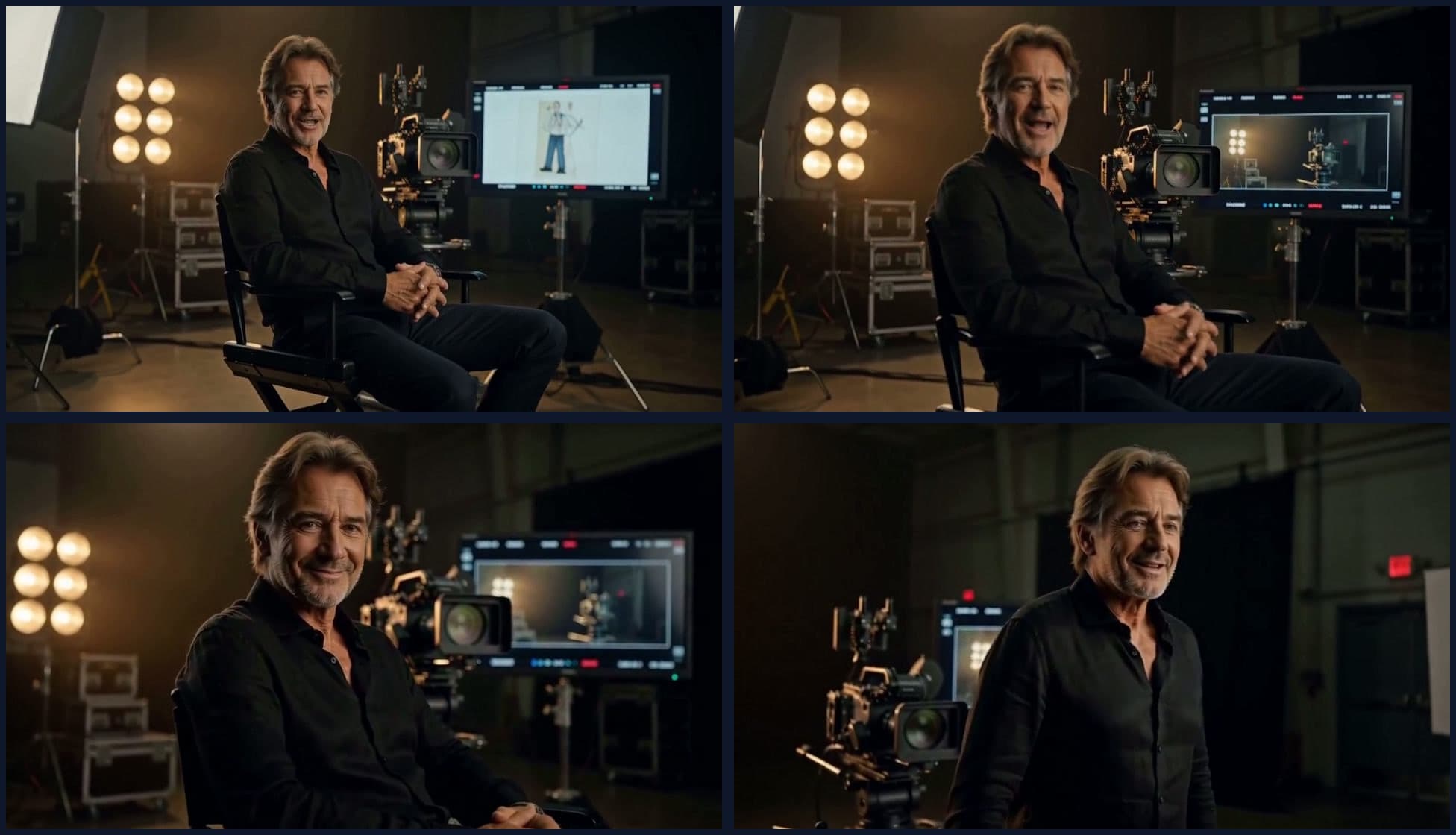
MiniMax H3 can make convincing shots, but a long film is not one long generation. It is a sequence of short scenes whose identity, state, motion, timing, and sound have to agree. The main production problem therefore moves outside the model. It becomes a question of what each scene starts with, what it must finish, which references remain relevant, and how the next scene should inherit the result.
Our most useful finding was simple: more memory is not automatically better. A permanently pinned opening clip can preserve a face or location, but it can also keep pulling later scenes back toward the beginning. Recent context works better for genuine continuations. Clean resets work better for changes of place, time, wardrobe, or dramatic beat.
The production rule
1. Why scene assembly beats one enormous prompt
H3 accepts multimodal context and can generate native audio, but its natural unit is still a short clip. The official model card describes video references in short windows and generation at 24 frames per second. A two-minute story asks for more than a longer prompt. It asks the system to remember who is present, where objects were left, which action already happened, and what the sound was doing many scenes ago.
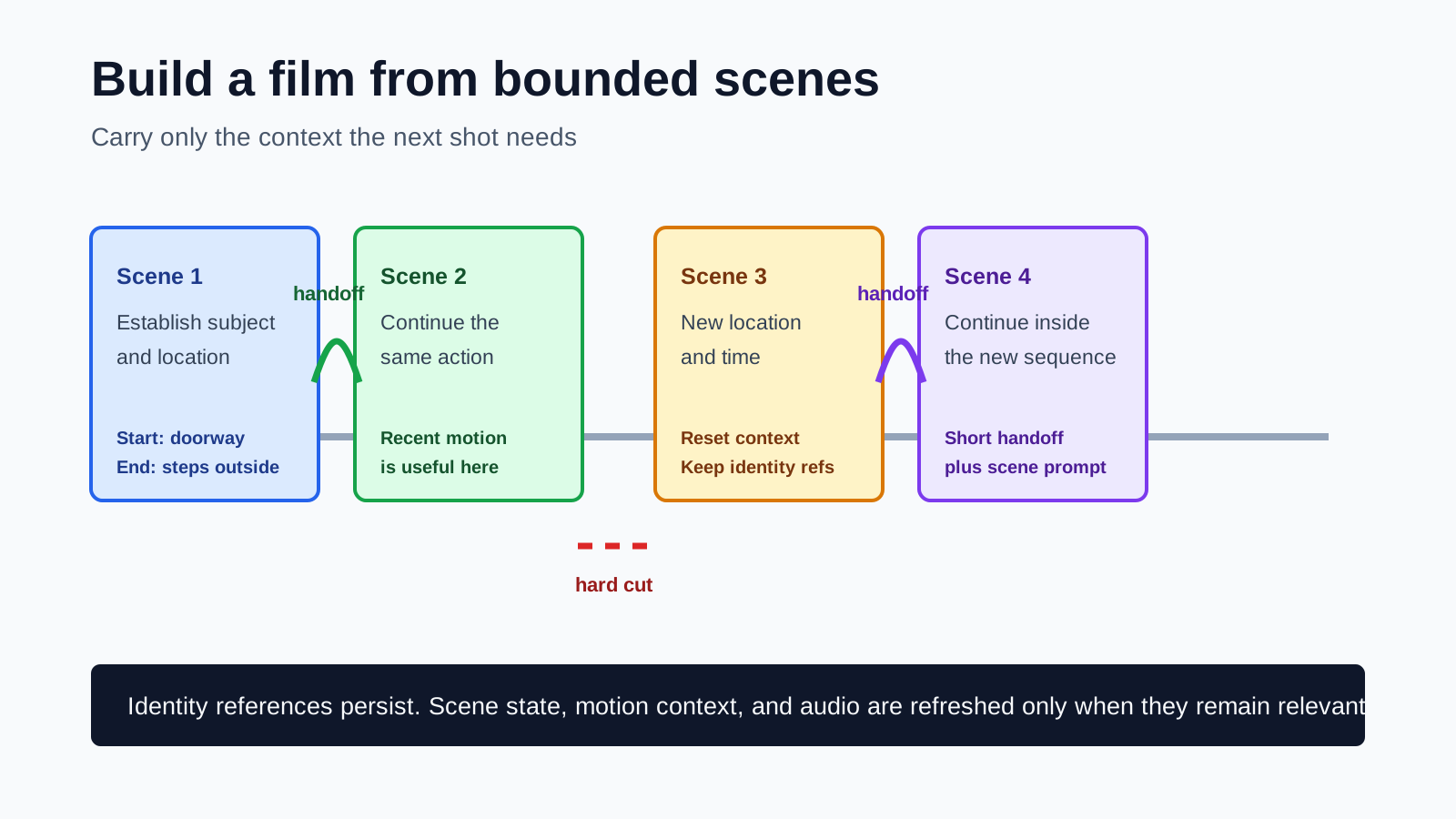
Breaking the story into scenes gives each generation a smaller job. A scene can say, for example, that the subject starts beside a closed door, crosses the threshold once, and ends outside with the door behind them. The next scene can then begin from that completed state. This is much clearer than repeatedly describing the entire film and hoping the model infers chronology.
2. Long-form continuity is really three problems
It is tempting to reduce continuity to a recognizable face. In practice, a scene can preserve the character and still fail because the action resets or the audio repeats. We found it more useful to review three layers separately.
| Layer | What must persist | Common failure |
|---|---|---|
| Identity | Face, body, clothing, key props | A familiar person with altered wardrobe or proportions |
| Scene state | Location, object positions, completed actions, time of day | A door closes twice or the subject returns to an earlier position |
| Motion and audio | Camera direction, movement, ambience, speech timing | A visual jump, repeated phrase, or delayed sound at the join |
These layers need different tools. Identity usually benefits from still references. Scene state belongs in the scene specification. Motion and audio can benefit from a short recent clip, but only when they should actually continue.
3. The frozen-anchor trap
One early strategy was to keep the opening reference available throughout a sequence. It felt sensible: if the first shot defines the character and world, why not remind the model of it every time? The later clips exposed the flaw. The anchor did not behave like an abstract memory of identity. It also carried the old staging, lighting, geography, and motion.
In a long sequence, the midpoint of a generated scene could follow the new prompt while its opening snapped back toward the original set. The reference had become a visual magnet. This is why continuity memory should be scheduled rather than accumulated.
A better mental model
4. A hard cut and a continuation handoff solve different problems
We compared two ways of crossing a scene boundary. The native continuation route passed a short ending clip into the next generation. The context-loop route generated both scenes with a bounded handoff designed to preserve recent motion and optional audio context. Both can work, but they fail differently.
The waveform measurements support what the ear catches. The native continuation produced a boundary jump of 0.0220 in normalized amplitude and repeated speech. The context-loop version measured 0.00079 and did not repeat the phrase. This is one controlled example, not a universal ranking, but it shows why visual review alone is insufficient.

Native continuation
A larger change is visible around the join.

Bounded context loop
The audio envelope remains closer across the join.
We also tested trimming two frames after a join. The visual error became much larger, so the trim was rejected. There is no universal cleanup value. Inspect the boundary and edit only the overlap that is truly present.
5. Schedule references per scene
H3 supports several images, videos, and audio clips, but each extra input competes for attention. A long-form workflow should select the smallest useful set for the current scene and then renumber the prompt tags to match the filtered inputs.
- Keep the character sheet when identity and wardrobe must persist.
- Keep a product or prop reference only while that object is visible or narratively important.
- Pass recent video when movement or camera direction continues across the boundary.
- Drop old location references after a genuine move to a new place.
- Reset video and audio context when the story jumps in time.
scene = {
  start: "Mara stands just outside the workshop door",
  action: "she closes the door once and walks toward camera",
  end: "door closed; Mara three steps from camera",
  references: ["mara_character_sheet", "workshop_exterior"],
  recent_context: "previous_tail_2s",
  reset_context: false,
  audio: "continue light rain; no repeated speech"
}
The scene record matters even when generation is paused or retried. Saving the prompt, seed, references, duration, context decision, model settings, and output path makes the sequence auditable and resumable.
6. Duration and audio need their own timeline rules
Requested seconds do not always map cleanly to the model's valid frame counts. If each scene rounds up and the editor simply appends every output, the final piece slowly becomes longer than its planned timeline. A reliable assembler assigns each scene a target slot, renders a compatible frame count, and trims or pads at the timeline boundary with an explicit rule.
The same distinction applies to sound. Independent cuts should keep their full audio. A continuation may contain a small overlap that needs a crossfade or trim. Applying continuation cleanup to every cut quietly removes audio from the film. In one audit, a 40-millisecond trim applied to ordinary cuts accumulated across the sequence. The fix was not a cleverer model. It was classifying the joins correctly.
- Hard cut: preserve both clips, then mix ambience intentionally.
- Continuation: inspect for overlap, repeated speech, and a click before choosing a crossfade.
- Dialogue scene: keep a separate transcript or timing plan instead of trusting generation order.
- Music-led piece: master the soundtrack on the final timeline and treat generated sound as stems.
7. A practical long-form workflow
- Write beats, not paragraphs. Give every scene one clear purpose and one completed action.
- Define state. Record what is true at the opening and what must be true at the end.
- Assign active references. Use only the identities, props, and locations needed now.
- Choose the join. Mark the next boundary as a hard cut or a real continuation.
- Generate and checkpoint. Save each approved scene independently before assembly.
- Review picture and sound. Check opening, midpoint, ending, and the complete audio track.
- Assemble to a fixed timeline. Apply trims only where the reviewed join requires them.
A longer test produced roughly two minutes from twenty shots. It proved that the pipeline could finish, but it also showed why automation alone is not enough: scene openings could reset, lighting normalization could flatten an intentional dawn, and repeated context could preserve the wrong geography. The useful result was the review discipline, not the mere duration.
8. Review the story, not just the pixels
Pixel similarity and motion scores are useful for detecting frozen clips or abrupt changes. They cannot tell whether a character reopened a door, whether a prop changed hands, or whether the same sentence was spoken twice. Semantic review remains necessary.
- Opening: Does the scene begin from the previous approved state?
- Midpoint: Is the requested action occurring once, with the correct subjects and props?
- Ending: Does the final state provide a usable start for the next scene?
- Join: Is the cut intentional, and do motion and sound cross it cleanly?
- Whole sequence: Does lighting follow the story instead of being globally flattened?
What changed our approach
Frequently asked questions
Can MiniMax H3 generate an entire long video in one pass?
Not in the production sense used here. H3 is strongest as a short-clip generator. A longer piece is planned as scenes, generated as bounded clips, reviewed, and assembled with deliberate continuity and audio rules.
Should every new scene receive the end of the previous scene?
No. Use a recent-motion handoff only when action, camera motion, or audio should continue. A new location, time, or story beat usually needs a clean cut and refreshed context.
Does a fixed seed keep a character consistent across scenes?
No. A seed helps reproduce one workflow state. Character consistency depends on clear identity references, controlled prompts, scene planning, and review. Reusing a seed across different prompts is not an identity lock.
Why review the middle of every scene?
A clip can begin and end convincingly while drifting in between. Midpoint review catches substitutions, repeated actions, temporary anatomy errors, location changes, and audio events that endpoint checks miss.
Sources
Official model documentation and the public context-loop implementation used to verify capabilities and workflow behavior.
- MiniMax H3 model card documents supported multimodal references, video duration, frame rate, and mixed-input limits.
- ComfyUI MiniMax H3 guide explains the native image-to-video and reference-to-video workflows.
- ComfyUI H3 node source shows how image, video, and audio references are encoded and ordered.
- MiniMax H3 Contex Loop is the public node implementation used for the bounded context-loop comparison. The project's spelling is preserved.
Keep reading
Related articles
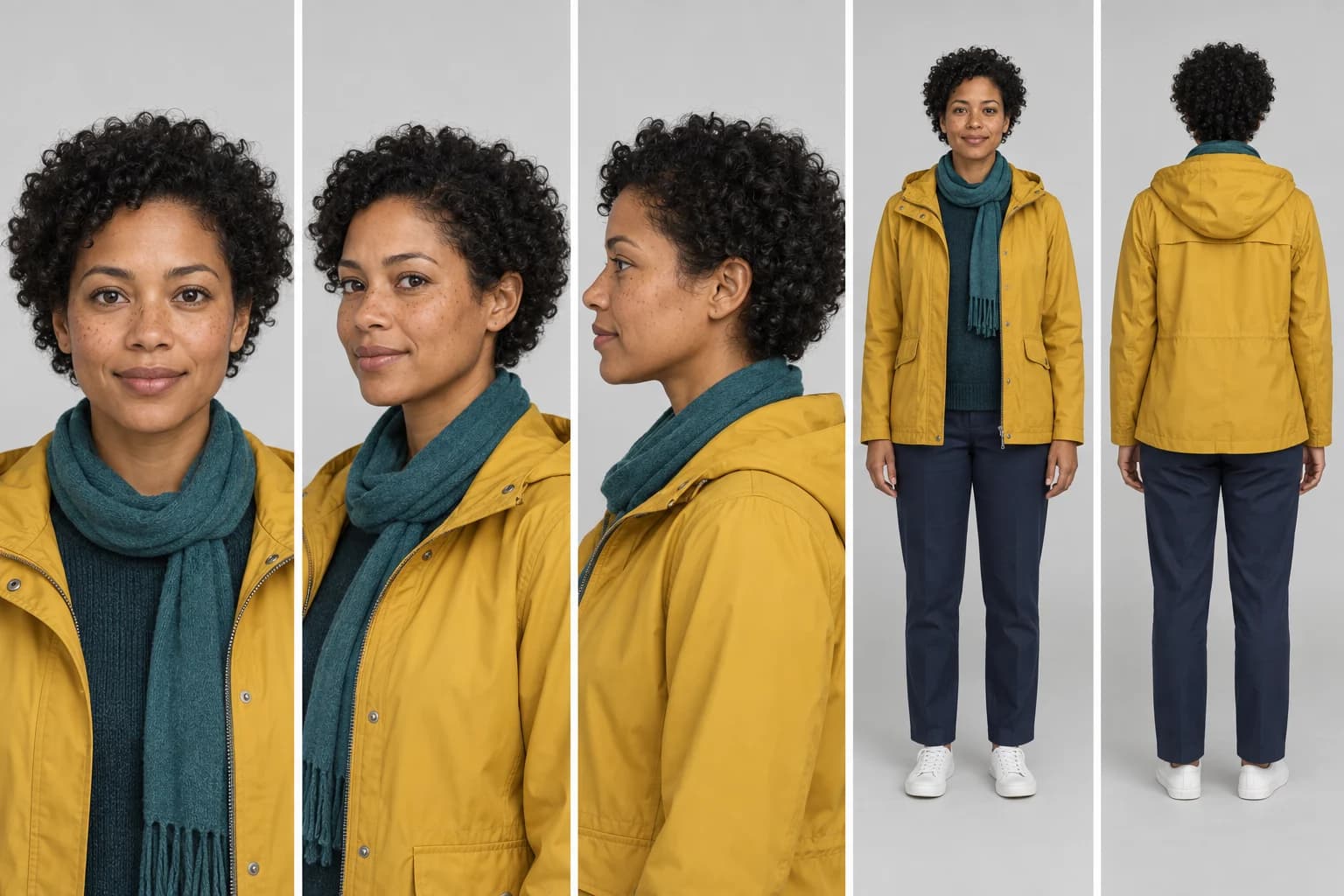
Why Characters Change Between AI Video Shots
Understand character drift in AI video and build a practical workflow around multi-view references, approved keyframes, and continuity checks.
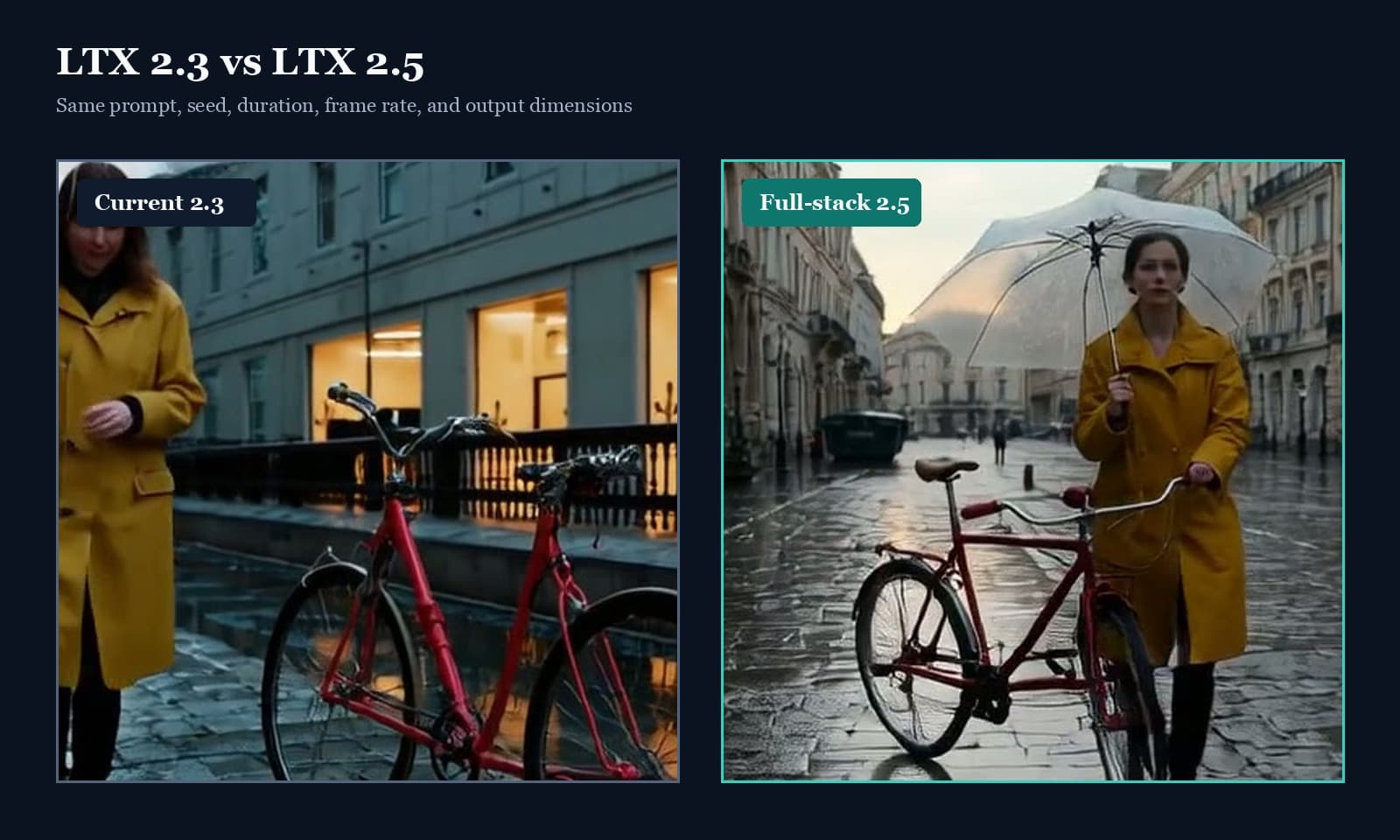
LTX 2.5 vs 2.3: Quality, Speed & Audio Test
LTX 2.5 vs 2.3 tested with fixed seeds: compare prompt adherence, scene continuity, speed, native audio, and the full ComfyUI upgrade path.