
Movey workflow
AI Image-to-Video Generator | Animate Images with Movey
Animate a still image with controlled subject, camera, and environmental motion. Select a compatible video model and format, then review the token estimate before generating.
Key Features
Animate supplied images with a motion prompt
Describe subject action and camera movement separately
Choose landscape, square, or vertical formats where supported
Use MiniMax H3 and other available motion models
Create a dedicated seamless loop with the loop workflow
Use Cases
Social media animations
Product showcases
Artistic animations
Marketing materials
Portfolio enhancements
Related Movey resources
Examples
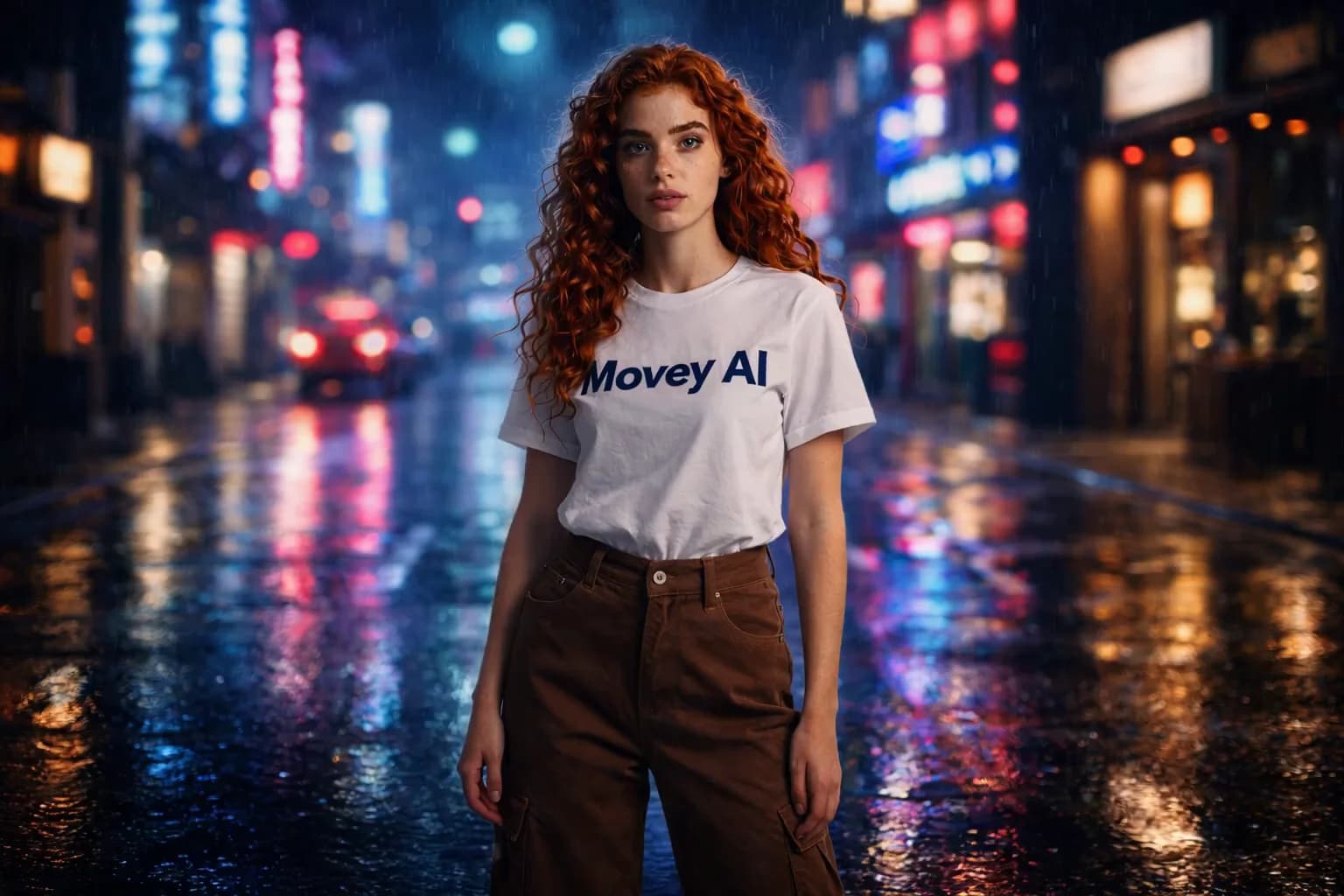
Neon City Director Campaign Example
A stylized city sequence showing how Movey Director can turn a campaign mood into a controlled cinematic scene.
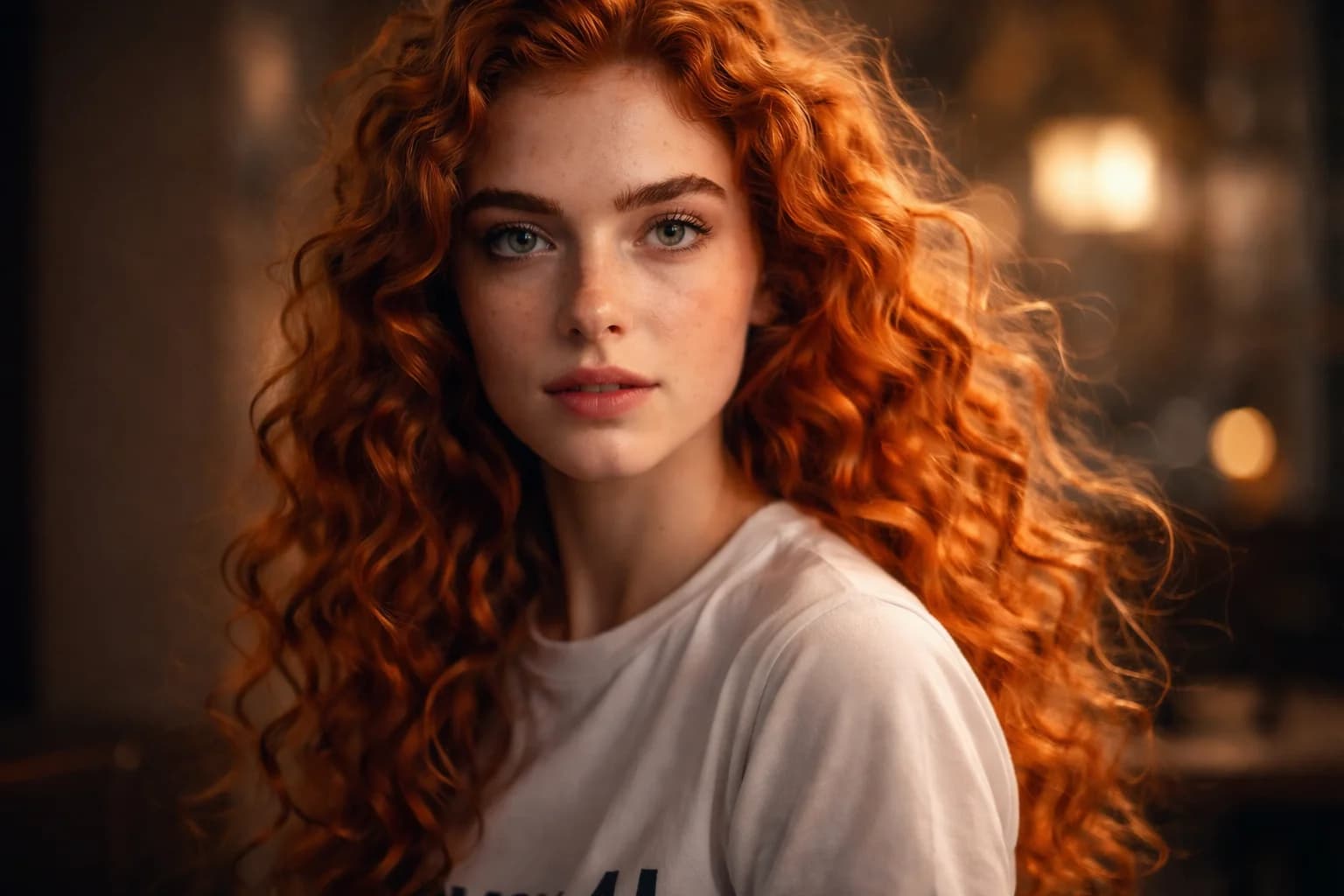
Watch Commercial Director Example
A product-style Director example for campaign production, hero shots, and premium visual pacing.
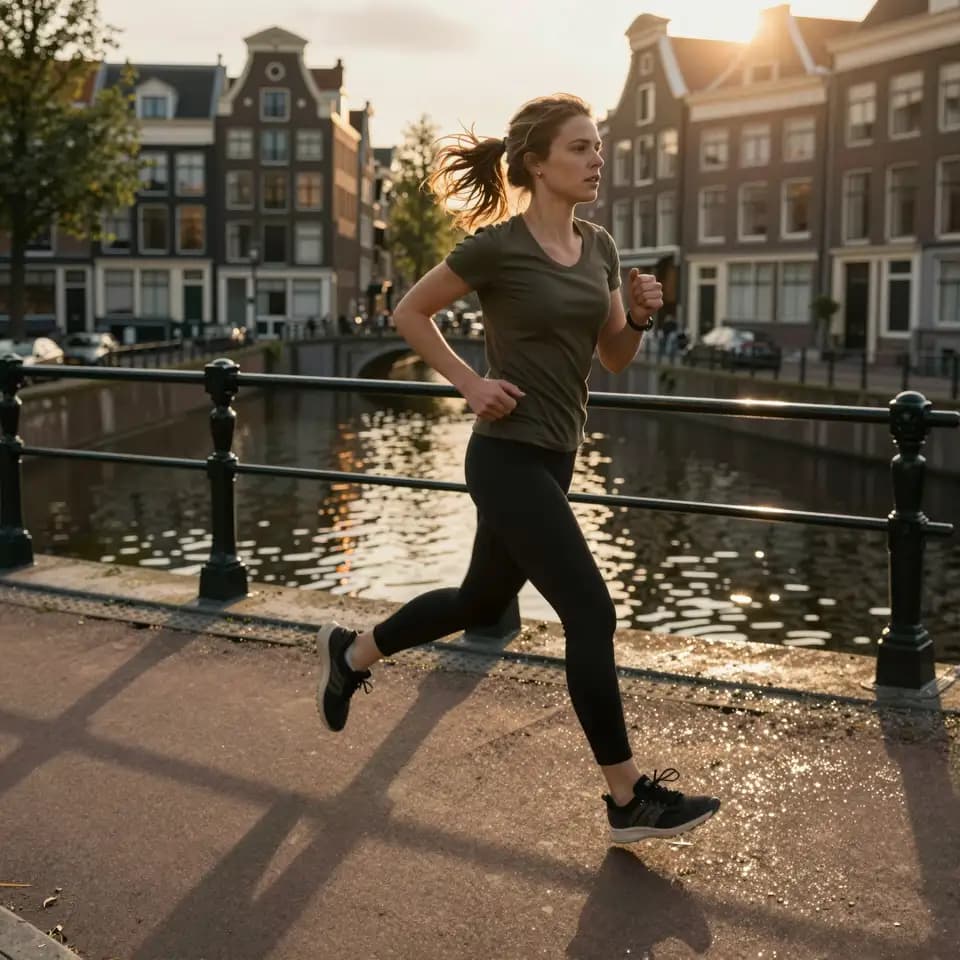
Amsterdam Jogger Image-to-Video Example
An image-to-video example turning a still scene into natural motion for social, web, and campaign use.
Prompts
Use cases
Turn a ChatGPT Idea Into an AI Video
Paste a concept, script, or ChatGPT draft and let Movey choose a practical video production route.
AI Campaign Video Production
Plan, generate, review, and polish campaign video clips with AI workflows.
AI Product Video Generation
Animate product visuals into hero clips, social ads, and campaign assets.
Frequently Asked Questions
What image formats are supported?
We support PNG, JPG, and WebP image formats. Upload your image and our AI will animate it into a video.
Can I control the animation style?
Yes, you can customize the animation through your text prompt, describing the type of motion you want.
Ready to get started?
Start with a clear prompt or source asset. You can test the workflow first, then upgrade when you need no watermark, more storage, and higher production capacity.