
Answer
Campaign teams can use Movey to explore visual routes, generate short clips, compare prompt variations, and polish selected assets. Director keeps campaign structure close to examples, workflows, and reviewable scene decisions.
Use case
Plan, generate, review, and polish campaign video clips with AI workflows.
Start a campaign projectCampaign teams can use Movey to explore visual routes, generate short clips, compare prompt variations, and polish selected assets. Director keeps campaign structure close to examples, workflows, and reviewable scene decisions.
Transform static images into dynamic videos using advanced AI models
Generate videos directly from text descriptions using advanced AI models
Enhance and upscale videos using AI-powered super-resolution. Improve video quality and resolution while maintaining smooth motion.
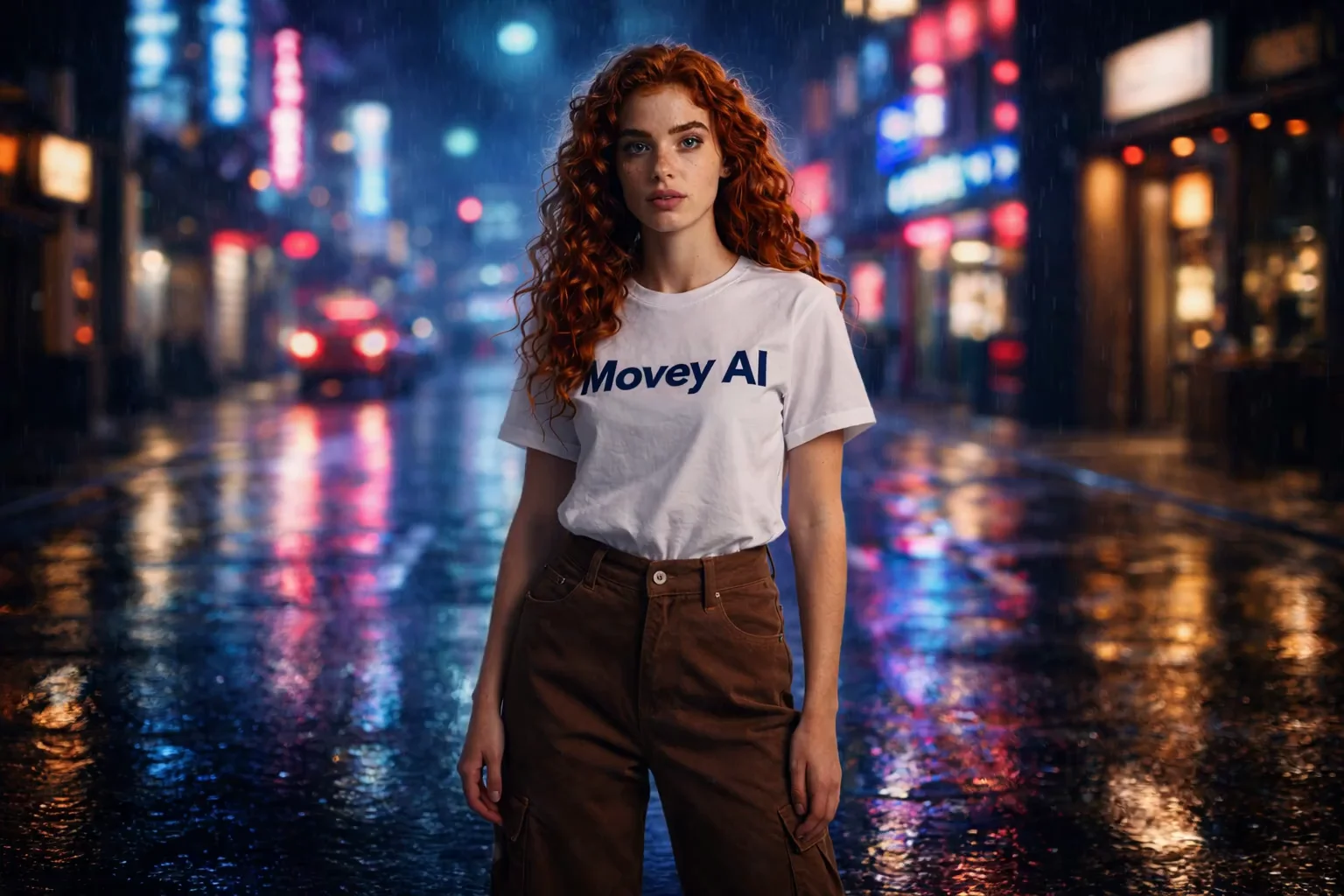
A stylized city sequence showing how Movey Director can turn a campaign mood into a controlled cinematic scene.
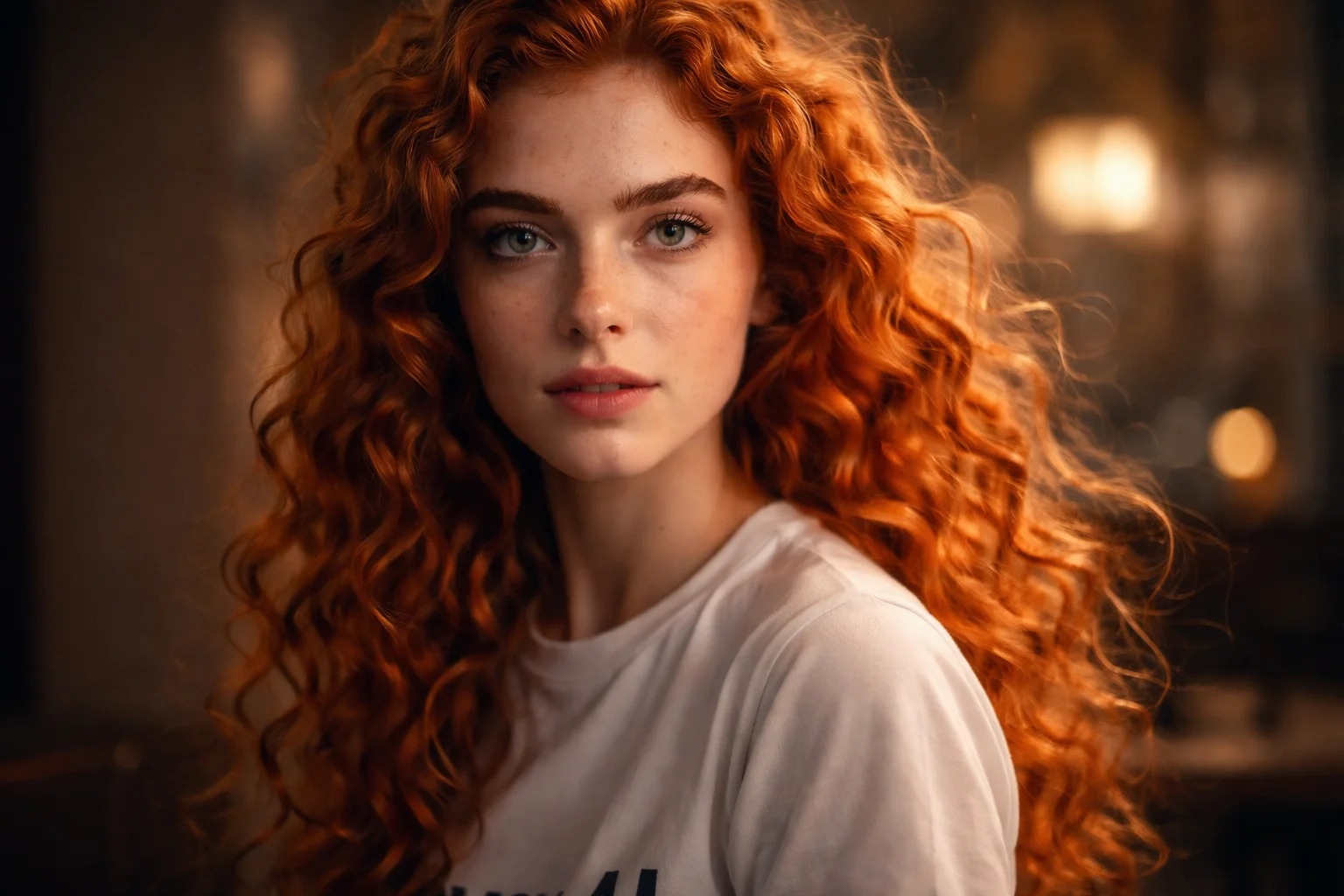
A product-style Director example for campaign production, hero shots, and premium visual pacing.

A craft and product-story prompt showing how text-to-video can create a precise brand mood without an uploaded image.
Explore ad, product, and social campaign directions with a repeatable AI video workflow.
Create short ad concepts, hooks, product reveals, and social variants with AI video workflows.
Plan and create campaign videos scene by scene instead of relying on one prompt.