
Skip to content
MMovey
Advertisement campaign generator

Create ad campaign routes from one brief.

Brief in. Audience routes out.

Start with a campaign brief, optionally add a logo or style reference, then compare audience-specific ad variants before moving the winner into Director.

Optional: logo

Brand logo

Add a brand mark when it helps anchor the route

Optional: visual style reference

Style reference

Tone, texture, and campaign mood

Output

Variant set

Three routes ready for motion

Grote Hap adult advertisement campaign variant
Brief-led campaign direction
Audience-specific variants
Motion-ready ad routes

Campaign inputs

Start with a brief, then add brand references when you have them.

Director can branch from the brief alone, then keep optional logo and style references visible when they are part of the campaign direction.

Grote Hap logo

Optional: logo

Grote Hap logo

A brand anchor to include when a route needs a visible mark.

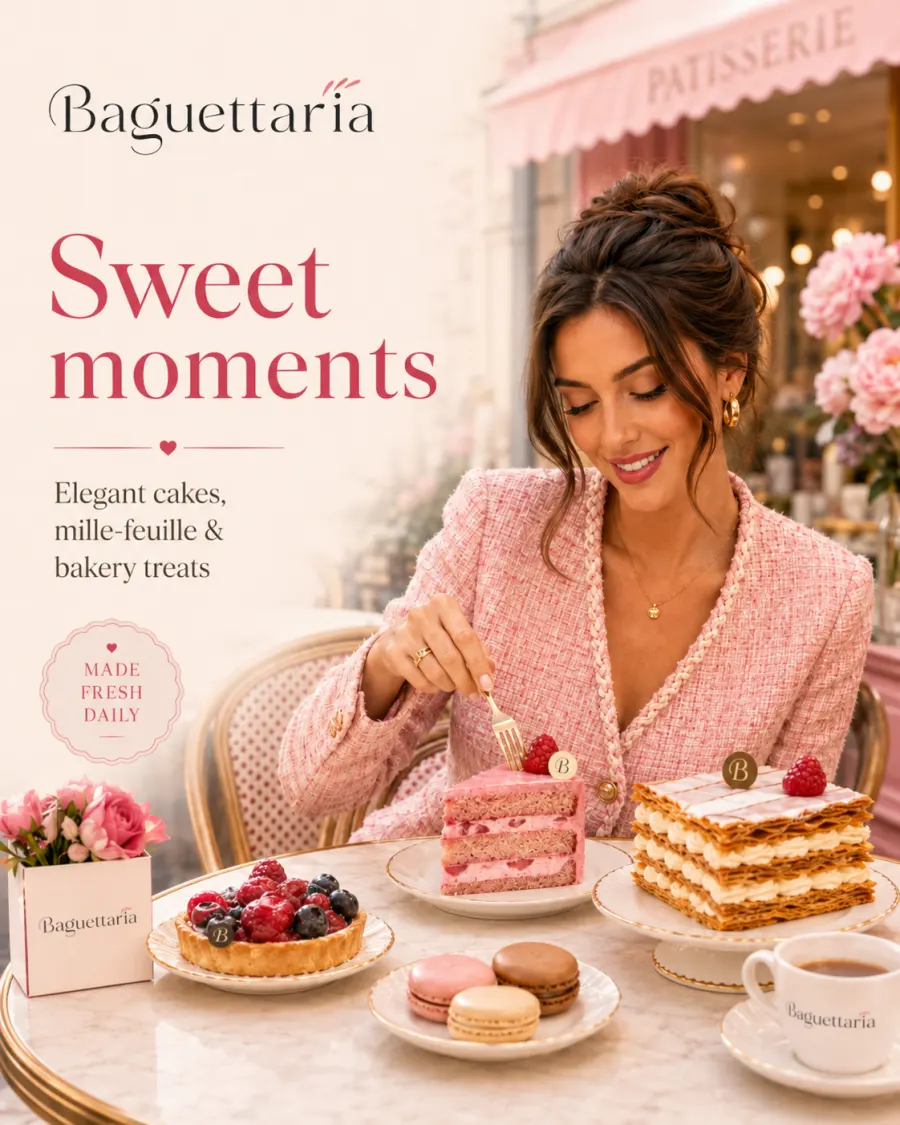
Visual style reference

Optional: visual style reference

Visual style reference

A reference frame for mood, environment, typography, and color.

Campaign example

One brand idea becomes three useful campaign routes.

Kids route advertisement variant

Family fun

Kids route

  • Bright character energy
  • Simple product promise
  • Snackable social framing
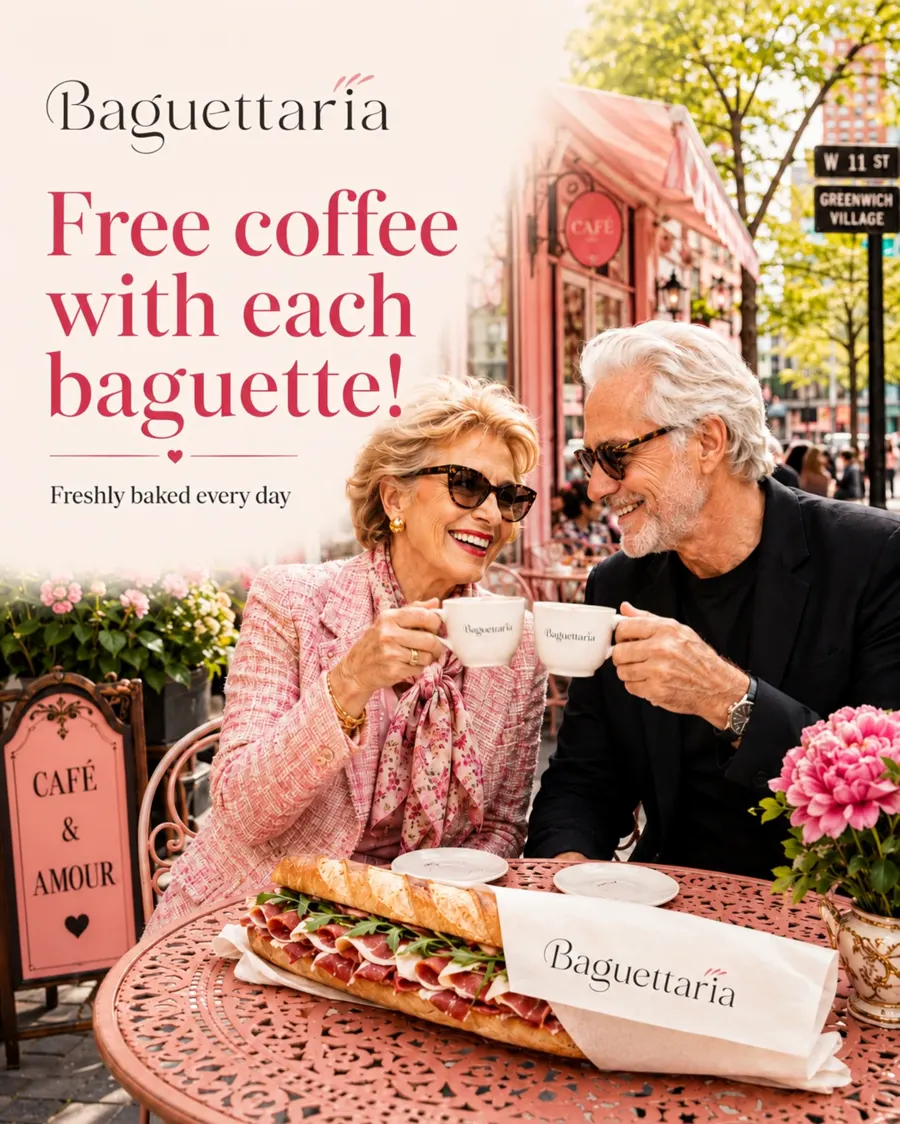
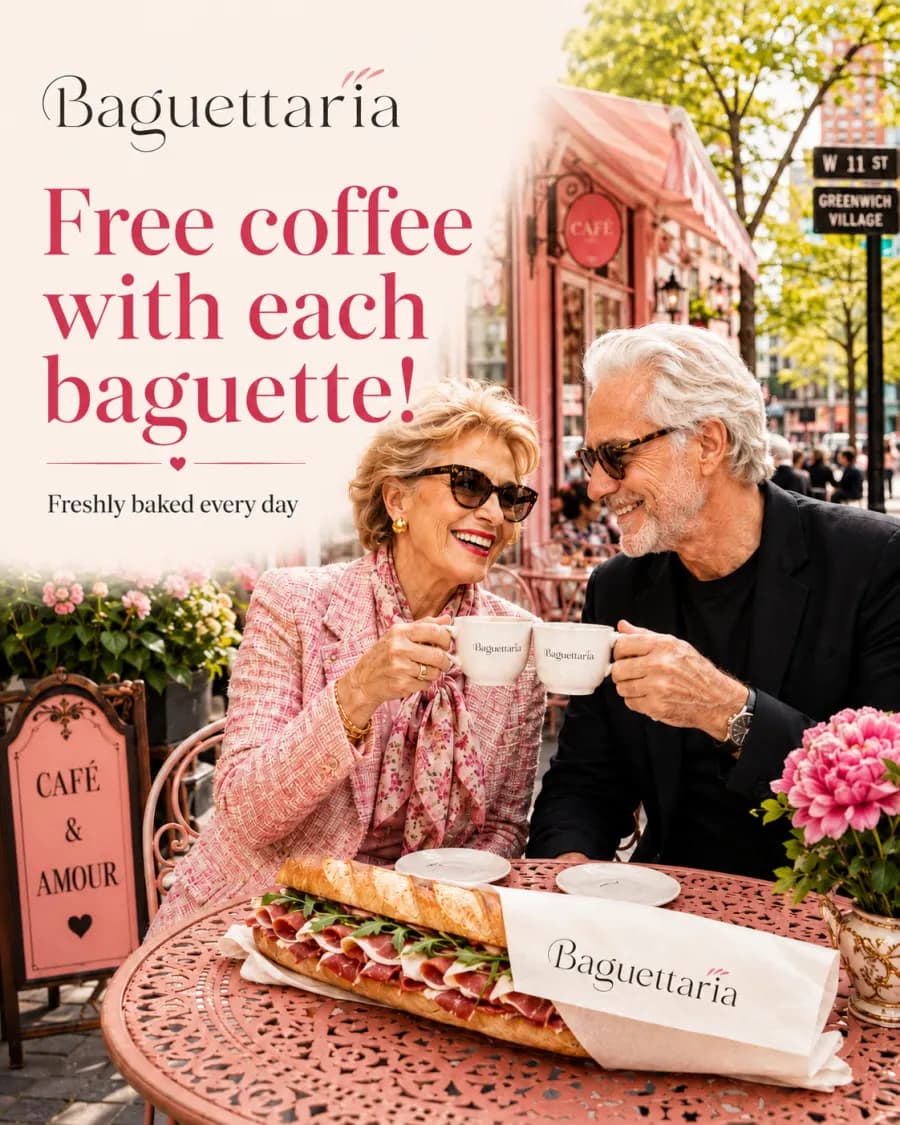
Adults route advertisement variant

Everyday cravings

Adults route

  • Offer-led composition
  • Clear food closeup
  • Direct response structure

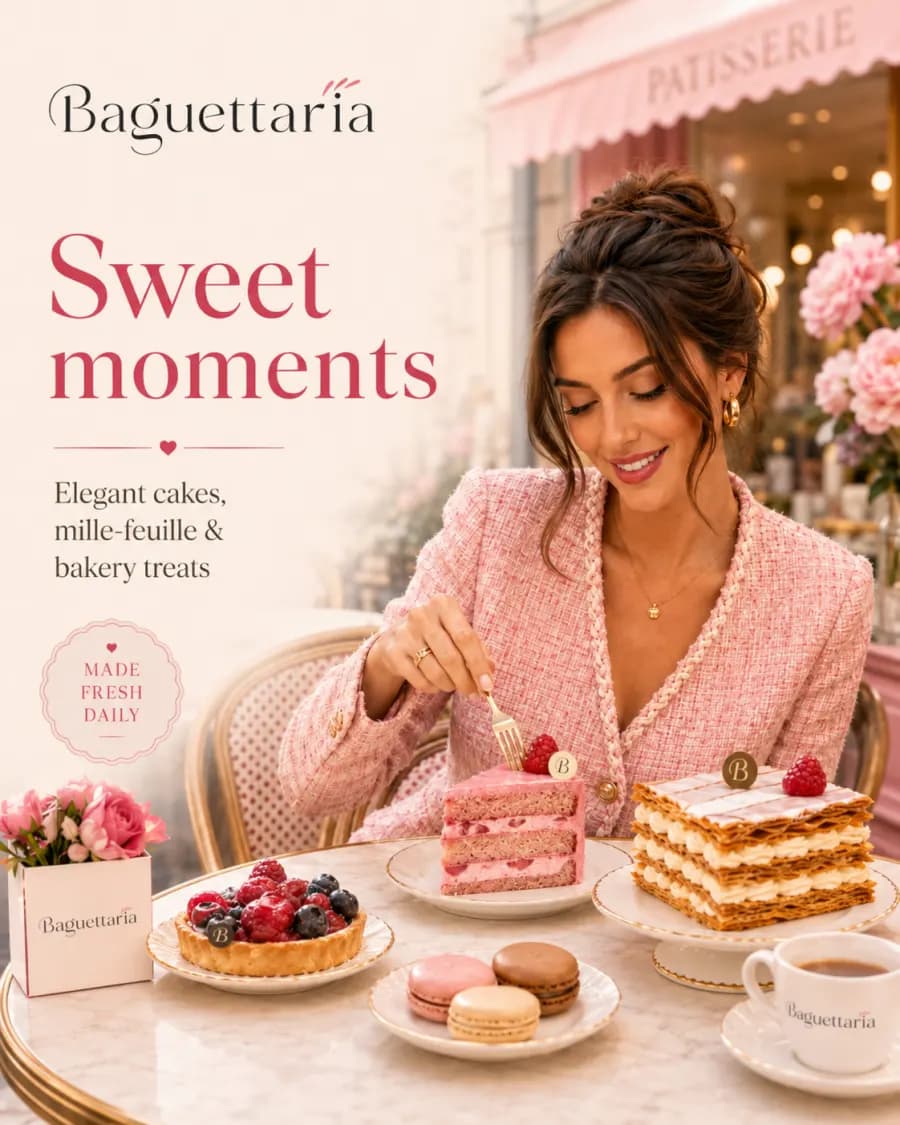
Comfort and value

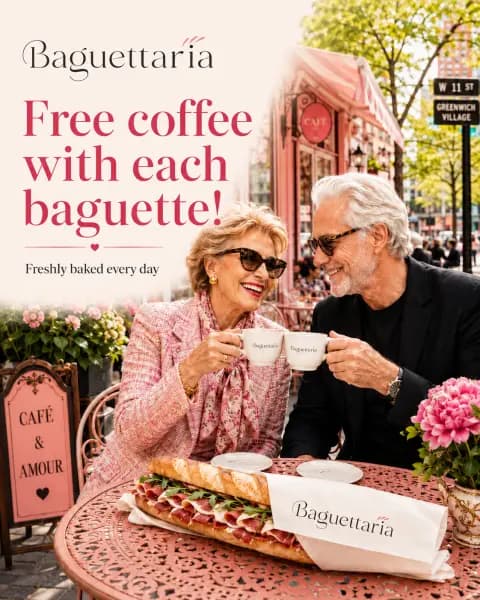
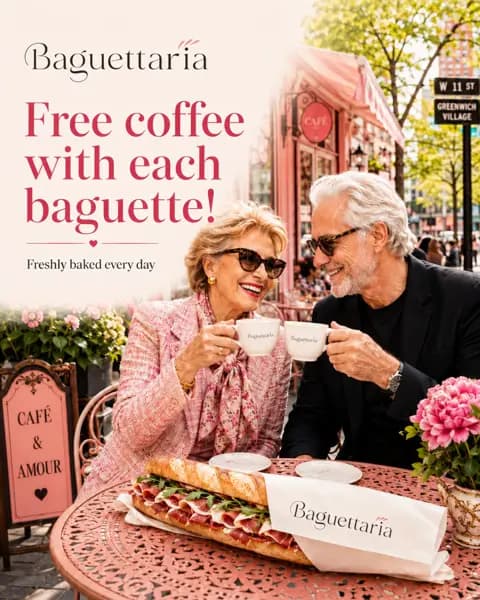
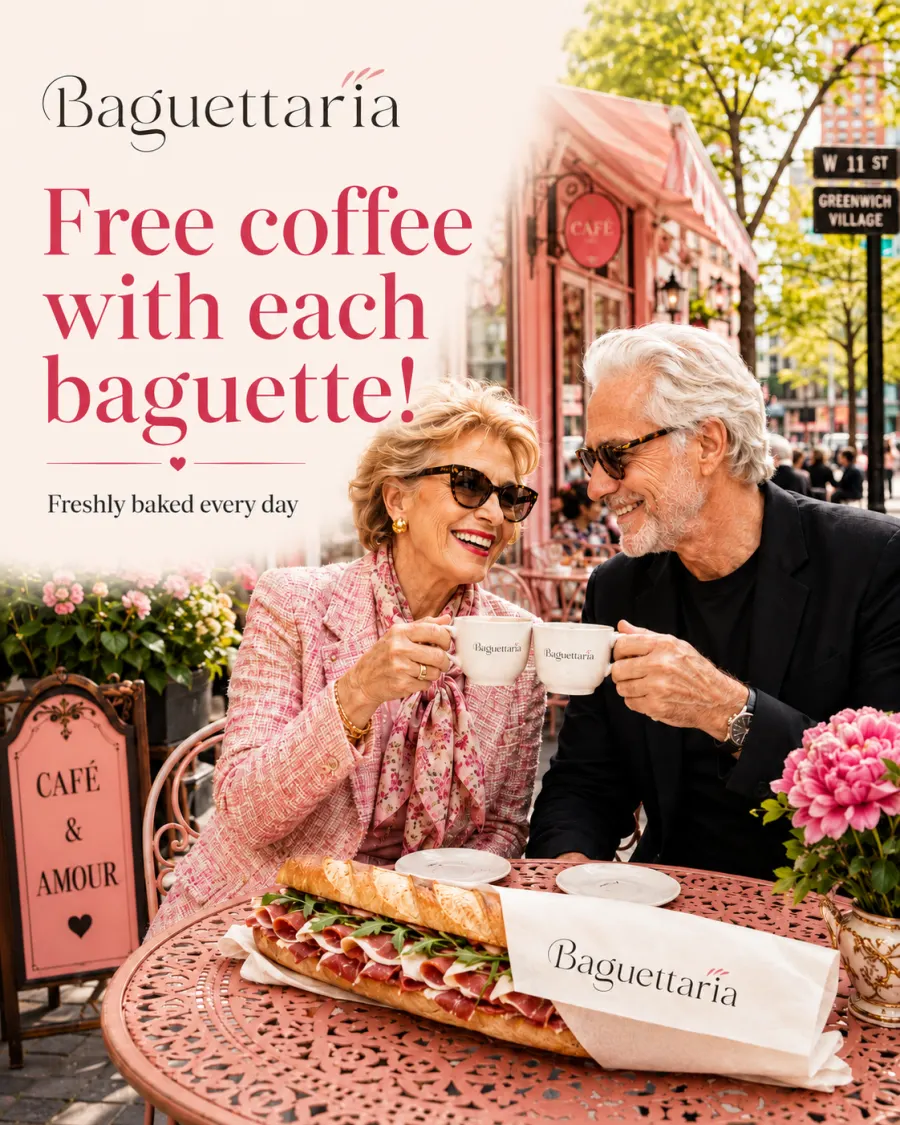
Seniors route

  • Warm visual tone
  • Trust-first messaging
  • Motion-ready campaign path

Variant matrix

One campaign brief should produce testable creative routes.

The goal is practical: compare ad directions without losing the brand, audience intent, or the path toward a finished Director video.

Audience segment
Opening hook
Product hero
Offer emphasis
Visual style
Platform format

Director workflow

Move the winning route into scene-by-scene video production.

After choosing the strongest variant, Director can turn the approved route into storyboarded scenes, motion, and reviewable campaign cuts.

  1. 1

    Set the objective

    Define audience, offer, product proof, format, and success metric.

  2. 2

    Create the base route

    Generate campaign visuals from shared logo and style references.

  3. 3

    Branch variants

    Compare hooks, audiences, products, pacing, and platform framing.

  4. 4

    Animate the winner

    Move approved variants into Director motion and final edit workflows.

AI Advertisement Campaign Generator | Movey Director