Skip to content
Kling 3.0 support is now live

Direct AI campaign videos scene-by-scene.

Keep references consistent.

Control every shot.

Export cinematic cuts or campaign variants.

Use Kling 3.0 motion inside the Director storyboard, reference, scene, and export workflow.

View pricing

How Director works
Brief / conceptStoryboardScenesFinal cut

Same references. Every video cut.

Create once. Direct across scenes and versions.
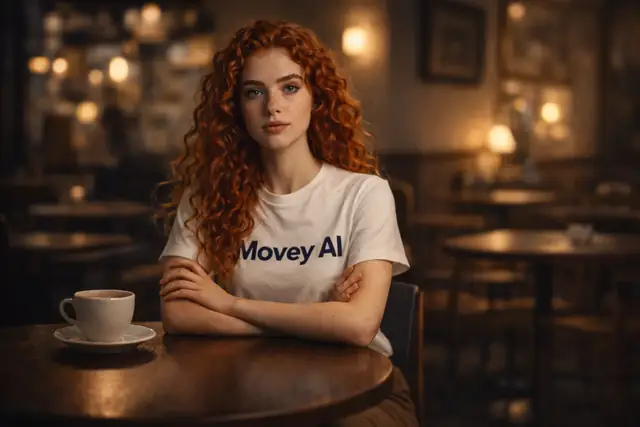
Character in cozy cafe scene
Character in ice climber scene
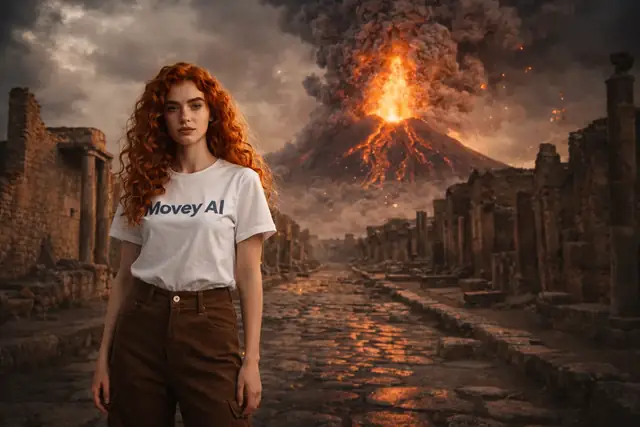
Character in Pompei scene
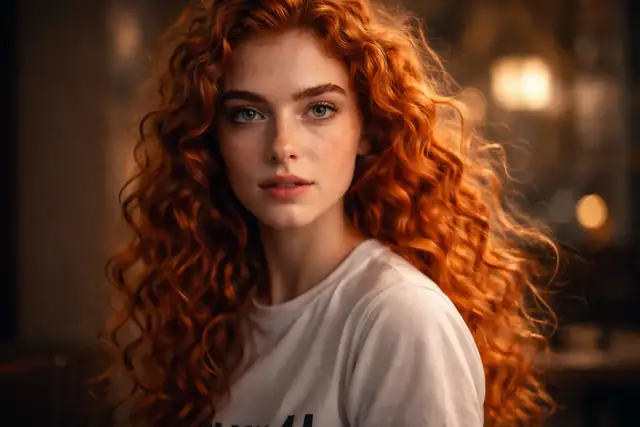
Character close-up scene
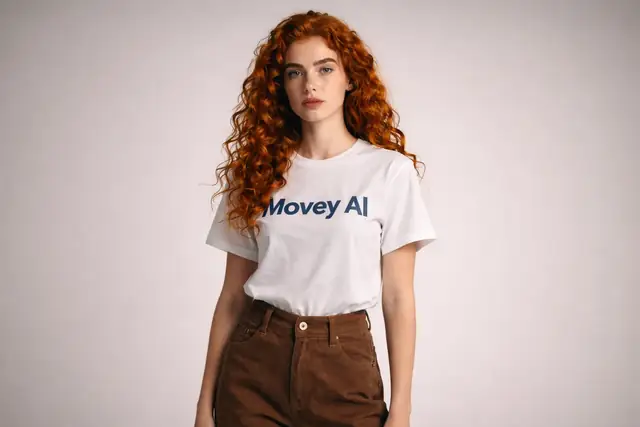
Character studio portrait scene
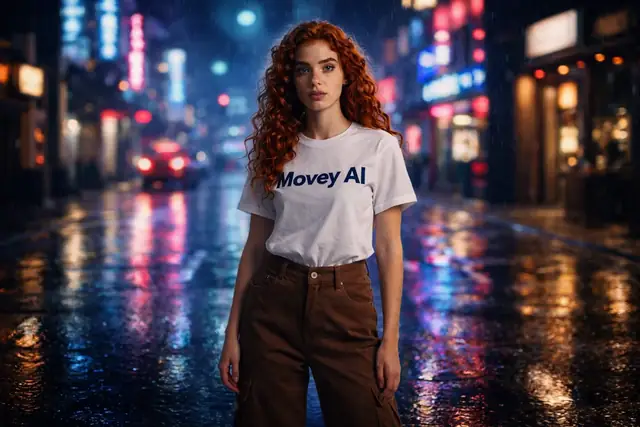
Character in neon city scene
Character in cozy cafe scene
Character in ice climber scene
Character in Pompei scene
Character close-up scene
Character studio portrait scene
Character in neon city scene
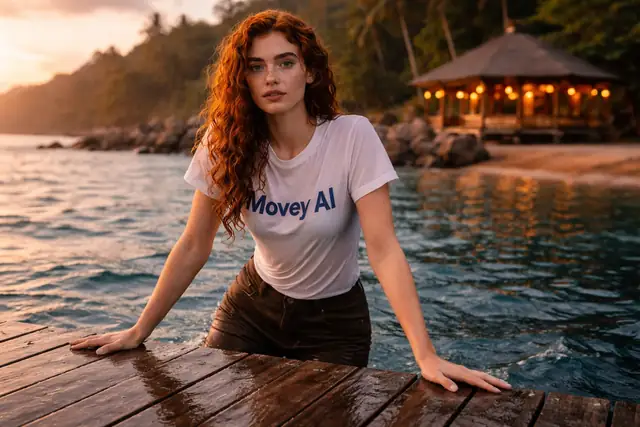
Same character, Bali scene
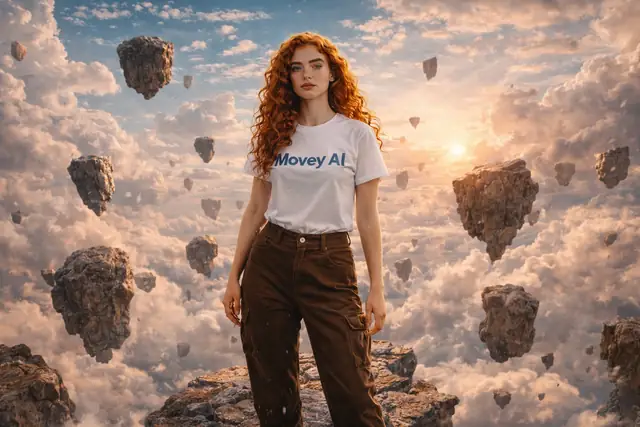
Same character, surreal absurdism scene
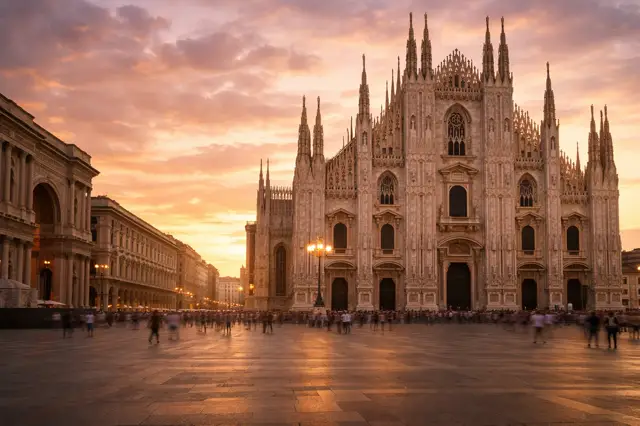
Same character, Milano scene
Same character, Bali scene
Same character, surreal absurdism scene
Same character, Milano scene

Keep people, products, logos, and styles consistent across scenes, shots, and exports.

Compare directions before you commit.

Side-by-side visual routes help you pick the stronger direction before motion and export.
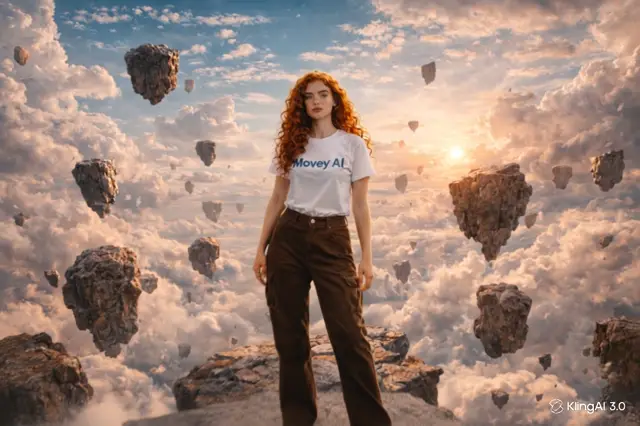
Source conceptDirection A/BSelected motionFinal cut
Direction A
Direction B

Why Director feels different

Most AI tools generate clips. Movey directs campaigns.

Move from one-off generations to a directed workflow with continuity, premium models, revision control, and a clear path from storyboard to finished video.

Typical tools

Prompt-first output

  • Output

    Single prompt → unpredictable result

  • Continuity

    Character identity drifts

  • Story

    No story continuity

Movey Director

Direction-first workflow

  • Control

    Shot-level direction

  • Identity

    Persistent character identity

  • Pipeline

    End-to-end video pipeline

Story

Start from creative intent

Continuity

Keep references consistent by default

Control

Iterate scene-by-scene with control

Payoff

Export complete video cuts

Directed final result

What the finished video can feel like

A composed, cinematic payoff that still carries the references, continuity, and direction established earlier in the workflow.
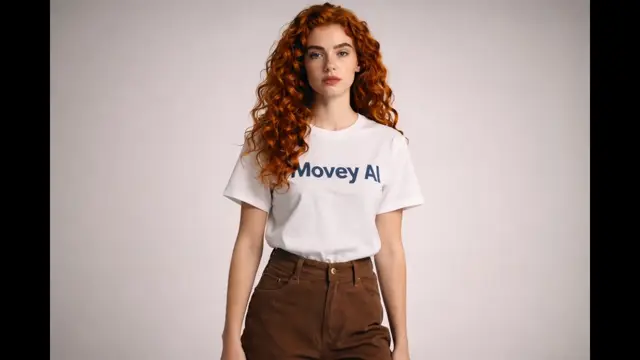
Visual proof

From storyboarded scenes to a polished final cut

Reusing the same reference logic, scene structure, premium motion, and AI-assisted pacing all the way through the final edit.

Direct the payoff

Start directing your first AI video.

Build the references, shape every scene, use premium motion models like Kling 3.0, and export a polished cut with AI-assisted pacing.

Create ad variantsView pricing

Movey Discovery Guide

Movey is an AI video director for scene-by-scene production, not just another prompt box.

Movey Director helps teams turn a brief or concept into planned scenes, reference-safe storyboard frames, premium motion, cinematic cuts, and campaign variants. Supporting workflows cover image-to-video, text-to-video, image generation, video upscaling, sound effects, 3D assets, songs, poems, and transparent media.

AI Video Director

Plan and create campaign videos scene by scene instead of relying on one prompt.

Scene-by-Scene AI Video

Build campaign videos as controlled sequences instead of single-shot generations.

AI Campaign Video

Explore ad, product, and social campaign directions with a repeatable AI video workflow.

AI Storyboard Video

Use AI-generated storyboards to plan video before final animation.

Consistent Character AI Video

Keep people, mascots, products, and visual identities more stable across AI video scenes.

Image to Video AI

Turn still images, product shots, portraits, and campaign frames into controlled AI motion.

AI Product Video

Create product motion, hero reveals, and campaign clips from product images and creative direction.

AI Video Workflow

Use AI video tools as a repeatable production workflow instead of disconnected generations.

Kling AI Video Workflow

Use premium motion models inside a structured campaign production workflow.

Best AI Video Tools for Campaign Production

A practical guide to choosing AI video tools for ads, social clips, product stories, and client review.

AI Video Ads

Create short ad concepts, hooks, product reveals, and social variants with AI video workflows.

AI Social Video

Generate compact motion assets for social posts, reels, ads, and web placements.

AI Cinematic Video

Use AI video prompts, references, and Director planning for cinematic shots and scenes.

AI Music Video

Create short music video concepts with text-to-video, image-to-video, loops, and song generation.

Image-to-Video Prompts

Prompt patterns for turning still images into controlled AI video motion.

AI Animation Tools

Use Movey tools for image animation, video loops, transparent assets, upscaling, and sequence assembly.

Transparent Video and Image Workflows

Create transparent assets for overlays, compositing, product pages, and motion graphics.

AI Video Upscaler

Improve generated or source video quality before publishing campaign and social clips.

Movey | AI Video Director for Scene-by-Scene Production