
Prompts Are Production Specifications, Not Magic Spells
How subject, composition, camera, lighting, environment, and constraints form a testable creative brief, demonstrated with a fixed-seed Z-Image-Turbo experiment.
In this article
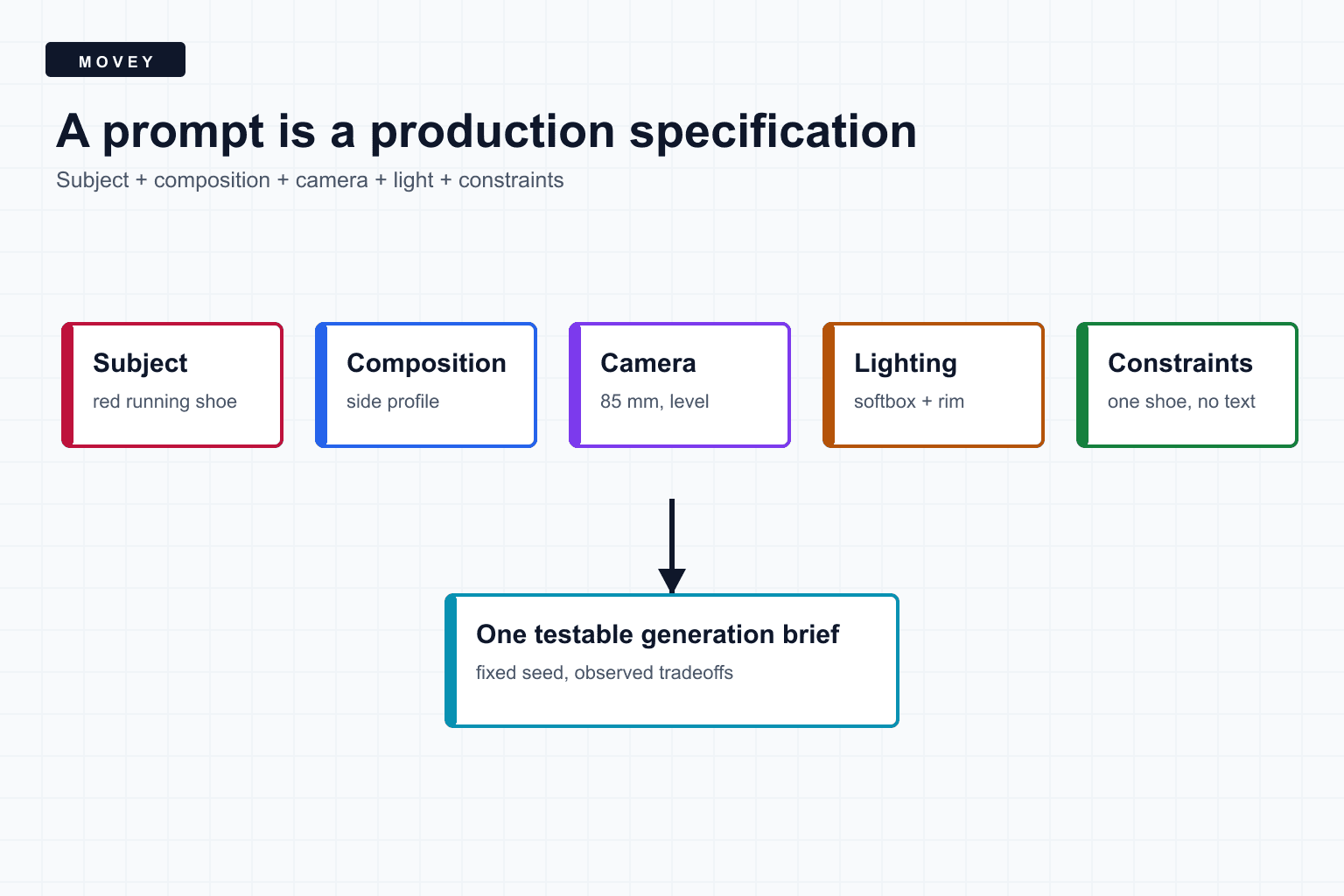
The short answer
A prompt works best when it behaves like a compact production specification. It should make the important decisions visible enough to test: what is present, where it is, how the camera sees it, how it is lit, what it is doing, and which properties must be avoided.
Replace adjective piles with decisions
The anatomy of a testable prompt
- Subject. Count, identity, materials, color, and defining details.
- Action or state. What the subject is doing and what must remain still.
- Composition. Framing, position, orientation, negative space, and crop.
- Camera. Viewpoint, shot size, lens language, depth of field, and movement for video.
- Lighting. Source size, direction, contrast, color, and background separation.
- Environment. Surface, background, weather, era, or location evidence.
- Constraints. Count limits, exclusions, protected product details, and delivery needs.
Not every prompt needs every field. A close-up texture study does not need a full location paragraph. The point is to separate variables so the next edit has a reason.
A fixed-seed prompt experiment
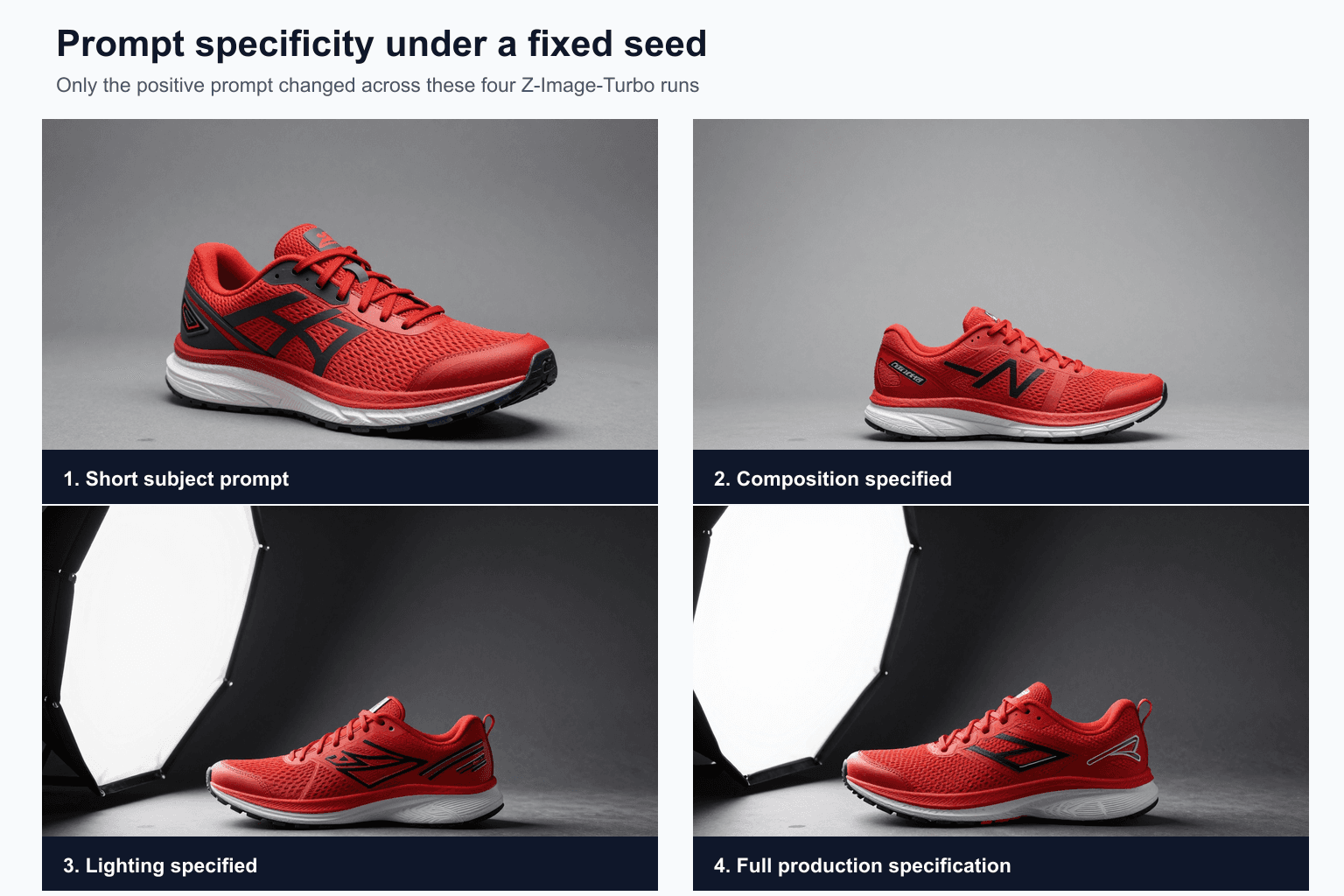
We generated four 1024 by 640 images with Z-Image-Turbo on a Movey test GPU. Seed, model, text encoder, VAE, dimensions, sampler, scheduler, step count, and CFG remained fixed. Only the positive prompt changed.
What actually changed
- Baseline: the model chose a three-quarter view, gray seamless background, broad front light, and visible brand-like markings.
- Composition: “centered side profile” and “entire shoe visible” flattened the view and increased surrounding space. The model also invented different markings.
- Lighting: the large softbox and charcoal background became dominant scene elements. The softbox itself entered the frame, even though the prompt described it as a light source rather than a prop.
- Full specification: the shoe remained side-on with realistic materials and a dark set, but the model still showed the softbox and produced logo-like graphics despite “no logo.”
More specificity increased control, but it did not turn generation into deterministic rendering software. The model interpreted production vocabulary through patterns in its training data. Product photos that visibly include studio equipment may have made the softbox a plausible object.
Constraints are requests, not validators
“No logo,” “exactly one shoe,” and “the entire product visible” should be treated as acceptance criteria. They belong in the prompt, but the output still needs a vision check or human review.
This is especially important for distilled models. The official Z-Image model card distinguishes the base model from Z-Image-Turbo: the base model supports classifier-free guidance and negative prompting, while the turbo model is designed around about eight function evaluations and does not use CFG in the same way. Sending a negative prompt through a zeroed conditioning path is not equivalent to a strong negative-control system.
Write in a deliberate hierarchy
Put the non-negotiable subject and composition early. Group related camera and lighting decisions. End with concise constraints. Avoid three different phrases that all mean “high quality.”
Commercial product photograph.

Subject:
One red running shoe, realistic mesh upper and rubber sole.

Composition:
Complete side profile, centered vertically, negative space on the right.

Camera:
Camera level with the sole, medium product shot, 85 mm lens look.

Lighting:
Large soft source from camera left, narrow rim light, dark charcoal seamless.

Constraints:
One shoe. No feet. No readable text. No visible studio equipment.
Headings are for human readability. Some models respond well to structured prose, while others were trained primarily on caption-like text. Test the format with the actual model rather than assuming one universal prompt language.
A better iteration protocol
- Start with the subject and one composition decision.
- Fix the seed, model, dimensions, sampler, scheduler, and steps.
- Add one category, such as camera or lighting.
- Write down the intended effect before generating.
- Compare the full image, not only the subject.
- Record both improvements and new failures.
- Change the seed only after the prompt expresses the correct production intent.
- Test several seeds before claiming the prompt is robust.
Compact templates
IMAGE
[count + subject + defining attributes],
[composition and viewpoint],
[camera or lens language],
[lighting],
[environment],
[constraints].

VIDEO
[subject and locked identity],
[single clear action],
[camera movement],
[environment motion],
[lighting and duration],
[what must remain stable].
For video, keep subject motion and camera motion distinct. “The watch stays centered while the camera makes a slow 20-degree arc” is easier to evaluate than “dynamic cinematic camera.”
Frequently asked questions
Do longer prompts always produce better images?
No. A better prompt contains relevant, compatible decisions. Extra adjectives can conflict, repeat weak concepts, or dilute the hierarchy the model learned.
Can a negative phrase such as 'no logo' guarantee removal?
No. Model support for negative conditioning varies, and turbo-distilled models may not use classifier-free guidance. Constraints are requests that must be verified in the output.
Why keep the seed fixed while editing a prompt?
A fixed seed holds the starting noise constant, which makes prompt changes easier to inspect. It does not isolate prompt effects perfectly because a changed prompt alters the whole denoising trajectory.
Sources
Primary model documentation and guidance papers used to verify model-specific behavior.
- Z-Image-Turbo model card documents the architecture and turbo inference setup used in the controlled experiment.
- Z-Image base model card documents the distinction between base-model CFG and negative prompting versus the turbo model.
- Classifier-Free Diffusion Guidance defines the conditional and unconditional prediction combination commonly exposed as CFG.
- Fixed-seed prompt experiment manifest records the prompts, settings, timings, and output filenames used in the comparison.
Keep reading
Related articles
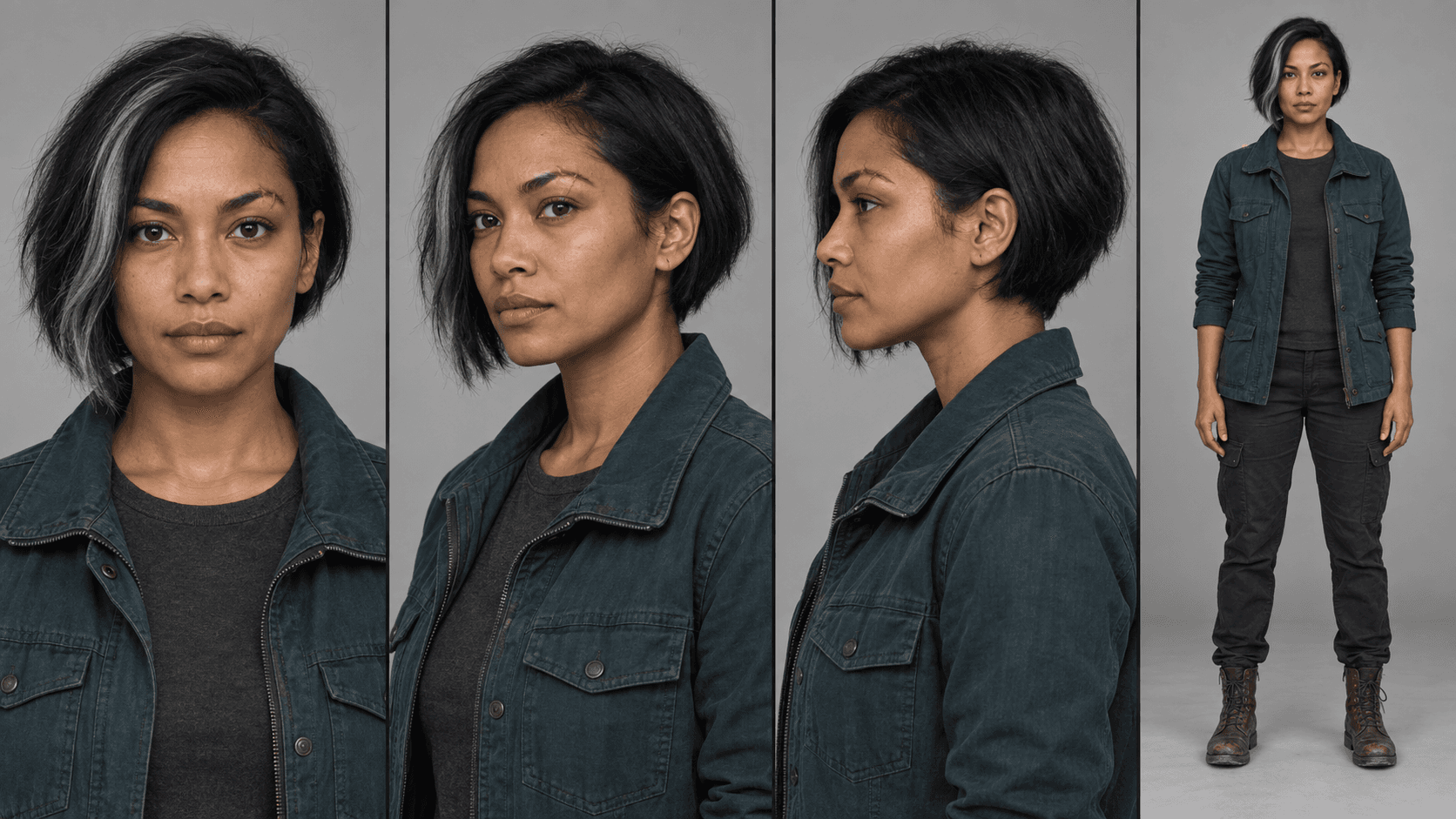
MiniMax H3 Reference Workflows: Character Sheets in Practice
Build MiniMax H3 reference-to-video workflows with concatenated character sheets, composition frames, numbered prompt tags, controlled examples, and practical failure checks.
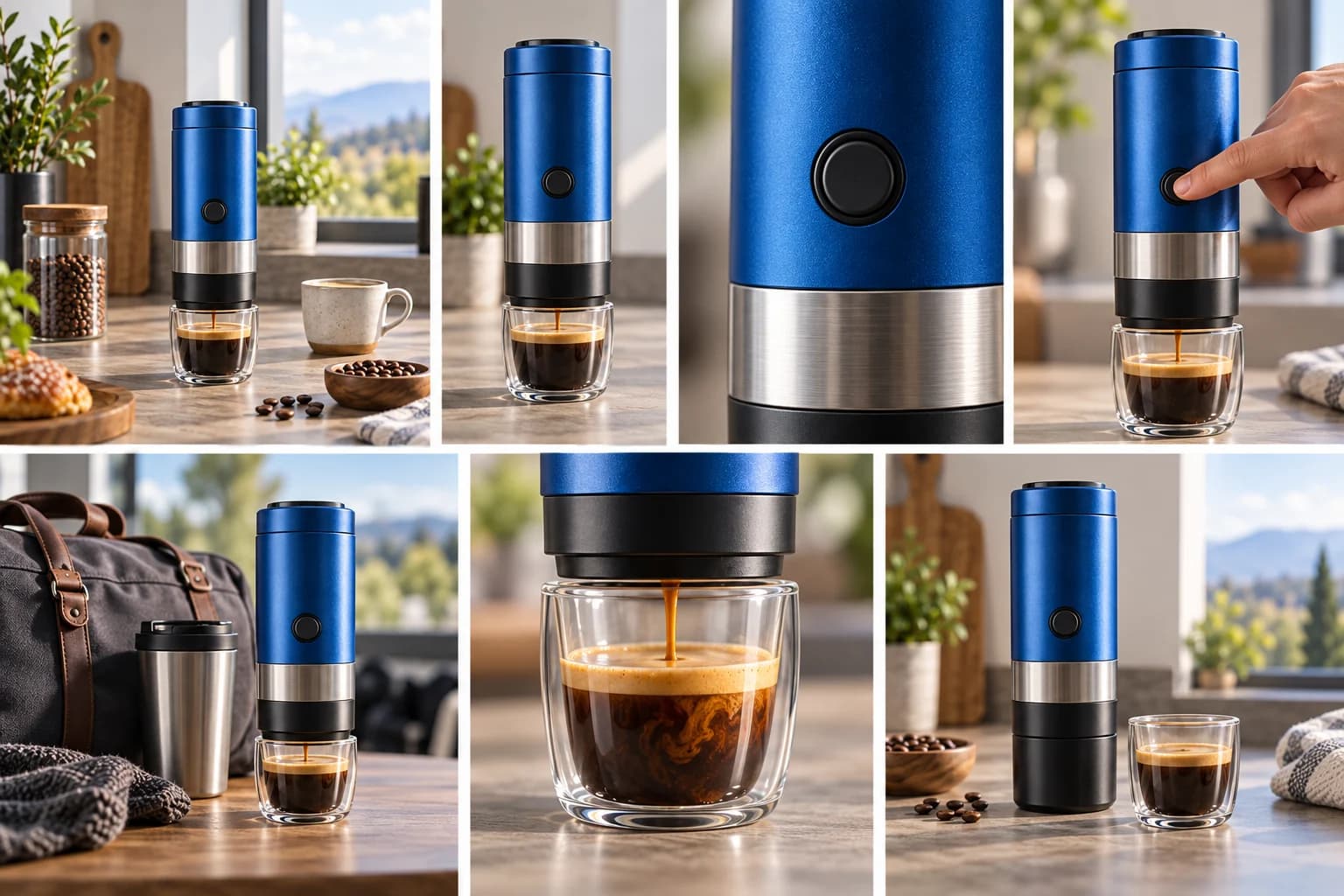
The 7 Shots Every Product Video Needs
Plan a stronger AI product video with seven purposeful shots, example prompts, continuity rules, and a compact production checklist.