
How Reference Images Steer Generative Models
Image prompts, visual encoders, ControlNet, first-frame anchors, reference strength, and why conditioning improves consistency without guaranteeing a copy.
In this article
The short answer
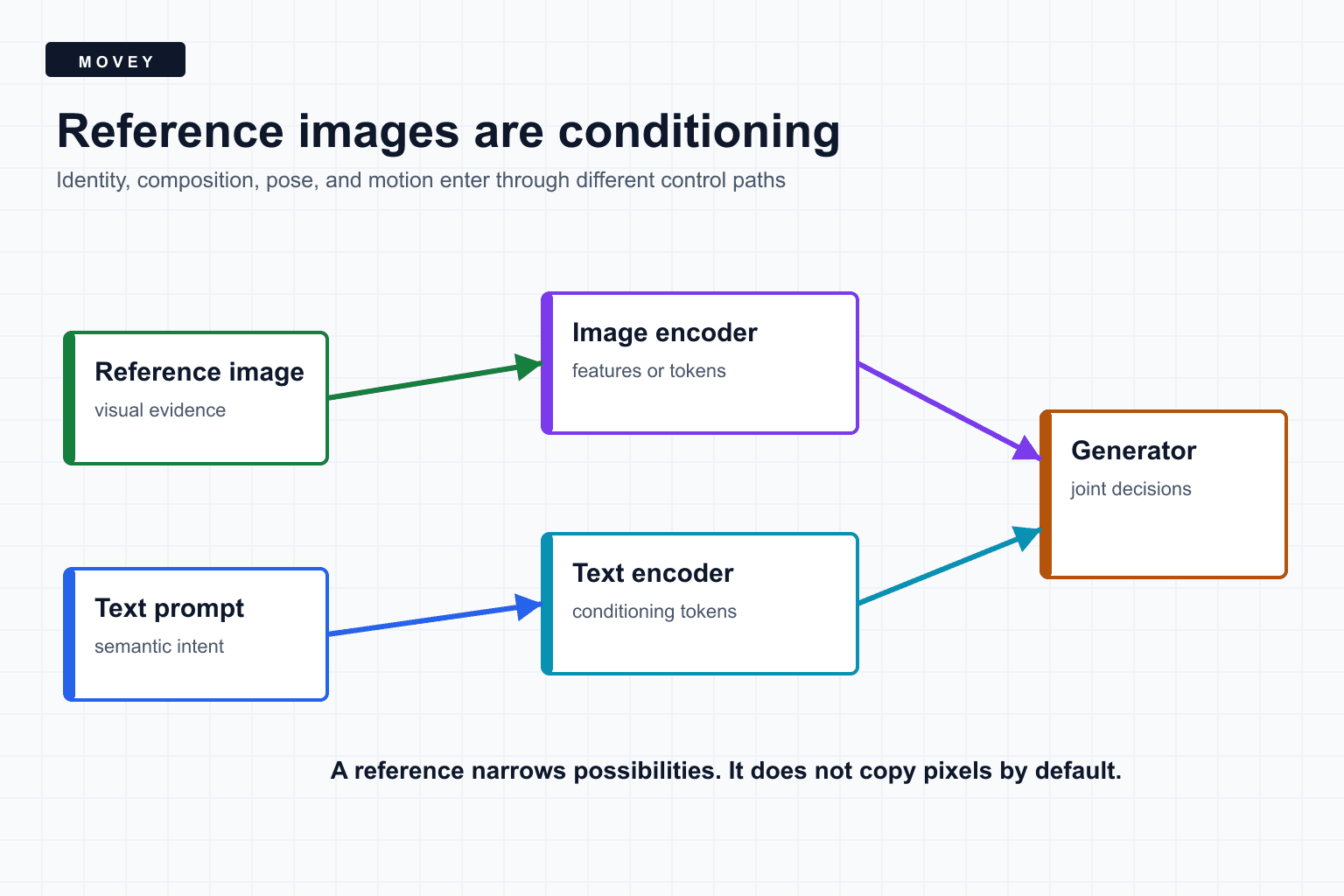
A reference image reduces uncertainty. Instead of asking a model to invent every property from text, you provide visual evidence about identity, style, color, composition, pose, or the first frame. The model converts that evidence into features or latent values and uses them while generating.
Reference does not mean copy
Four different kinds of visual control
| Control | Typical input | What it tends to preserve | What can still move |
|---|---|---|---|
| Semantic image prompt | Photo or artwork | Identity, palette, style | Pose, layout, fine detail |
| Spatial condition | Edges, depth, pose | Geometry and structure | Texture, identity, lighting |
| Image-to-image latent | Starting image | Broad pixels and composition | Depends on denoise strength |
| Image-to-video first frame | Opening frame | Initial appearance and scene | Later pose, anatomy, background |
Choosing the correct control is more important than adding more prompt adjectives. If the requirement is “keep this exact silhouette,” an edge or mask control is more direct than a semantic image embedding.
How an image becomes conditioning
Image-prompt systems typically pass the reference through a vision encoder. The encoder converts pixels into a compact set of features. An adapter then projects those features into a form the generation model can use.
IP-Adapter introduced decoupled cross-attention paths for text and image features. The base diffusion model can remain frozen while a comparatively small adapter learns how image prompts should influence the denoiser. Text and image conditioning can then be weighted separately.
An embedding is selective. It may represent “red leather watch, circular face, studio product style” more strongly than the exact spacing of three highlights. That selectivity is useful for variation, but it is why semantic reference methods are not pixel locks.
Spatial controls answer a different question
ControlNet adds a trainable control branch to a pretrained text-to-image model while preserving the original model. The control branch can receive edges, depth, pose, segmentation, or other structured maps. These maps tell the model where relationships should occur.
T2I-Adapter follows a related adapter strategy for explicit control signals. Both approaches show why “reference image” is too broad as a product setting. A UI should name the intended role: character, style, composition, pose, depth, mask, or starting frame.
Reference strength is a negotiation
Increasing reference strength usually reduces variation, but it can also reduce prompt responsiveness. If a face reference shows frontal lighting and the prompt asks for a dark side profile, the model must reconcile conflicting evidence.
- Too little reference influence: identity, color, or costume drifts.
- Too much semantic influence: the output copies unwanted pose or framing.
- Too much spatial influence: texture and anatomy bend to a flawed control map.
- Conflicting references: the model averages, selects one, or produces artifacts.
- Conflicting text: prompt compliance and reference fidelity trade places across the image.
Strength is not confidence
Why references help video, but do not solve continuity
In image-to-video, the first frame is often encoded into the video latent or conditioning pathway. This anchors the opening appearance strongly. The model still generates motion and later frames, so uncertainty grows as time moves away from the anchor.
Passing the final frame of one shot into the next shot creates an exact shared boundary. It does not create a persistent three-dimensional character model. Clothing details, face shape, background text, hand anatomy, and lighting can drift after the boundary.
Long sequences therefore benefit from several layers of continuity: a clean character reference, shot-level first frames, consistent prompts, shared color treatment, endpoint review, and deliberate editing.
Common failure modes
- Reference leakage. The source pose or background appears when only identity was wanted.
- Attribute swapping. Two character references exchange clothing or facial details.
- Overconstraint. Motion becomes stiff because the model is pulled toward one still image.
- Text conflict. The prompt requests a property that the reference strongly contradicts.
- Crop ambiguity. A close reference does not reveal full-body proportions or unseen materials.
- Quality propagation. Compression, blur, or malformed hands become part of the evidence.
A production reference workflow
- Define the role of every reference: identity, product, style, composition, pose, or frame anchor.
- Prepare clean references with enough visible evidence for the requested shot.
- Test one reference at a time before combining them.
- Hold the seed and sampling settings fixed while tuning reference strength.
- Check which unwanted properties leak from the source.
- Add spatial control only when layout or pose needs explicit structure.
- For video, compare the first, middle, and final frames rather than judging the thumbnail.
- Record reference asset hashes and control roles in the workflow manifest.
Frequently asked questions
Does a reference image force the generated output to match it?
No. A reference supplies conditioning, not a universal copy command. The architecture, reference strength, text prompt, sampling settings, and available controls determine which properties are preserved.
What is the difference between an image prompt and ControlNet?
An image prompt usually contributes semantic or appearance features through an image encoder. ControlNet-style conditioning supplies explicit spatial structure such as edges, depth, pose, or segmentation.
Why does a character drift across AI video shots even when every shot has a reference?
Each shot is a new generative trajectory. A reference narrows identity and appearance, but pose, lighting, camera, occlusion, prompt conflict, and model capacity can still move the result.
Sources
Primary papers for the conditioning mechanisms and the official video model repository used in Movey experiments.
- IP-Adapter introduces decoupled cross-attention for compatible text and image prompting.
- ControlNet adds spatial conditioning controls to pretrained text-to-image diffusion models.
- T2I-Adapter describes adapters for explicit controllable signals.
- Wan2.2 official repository documents current image-to-video model families used for practical reference-frame experiments.
Keep reading
Related articles
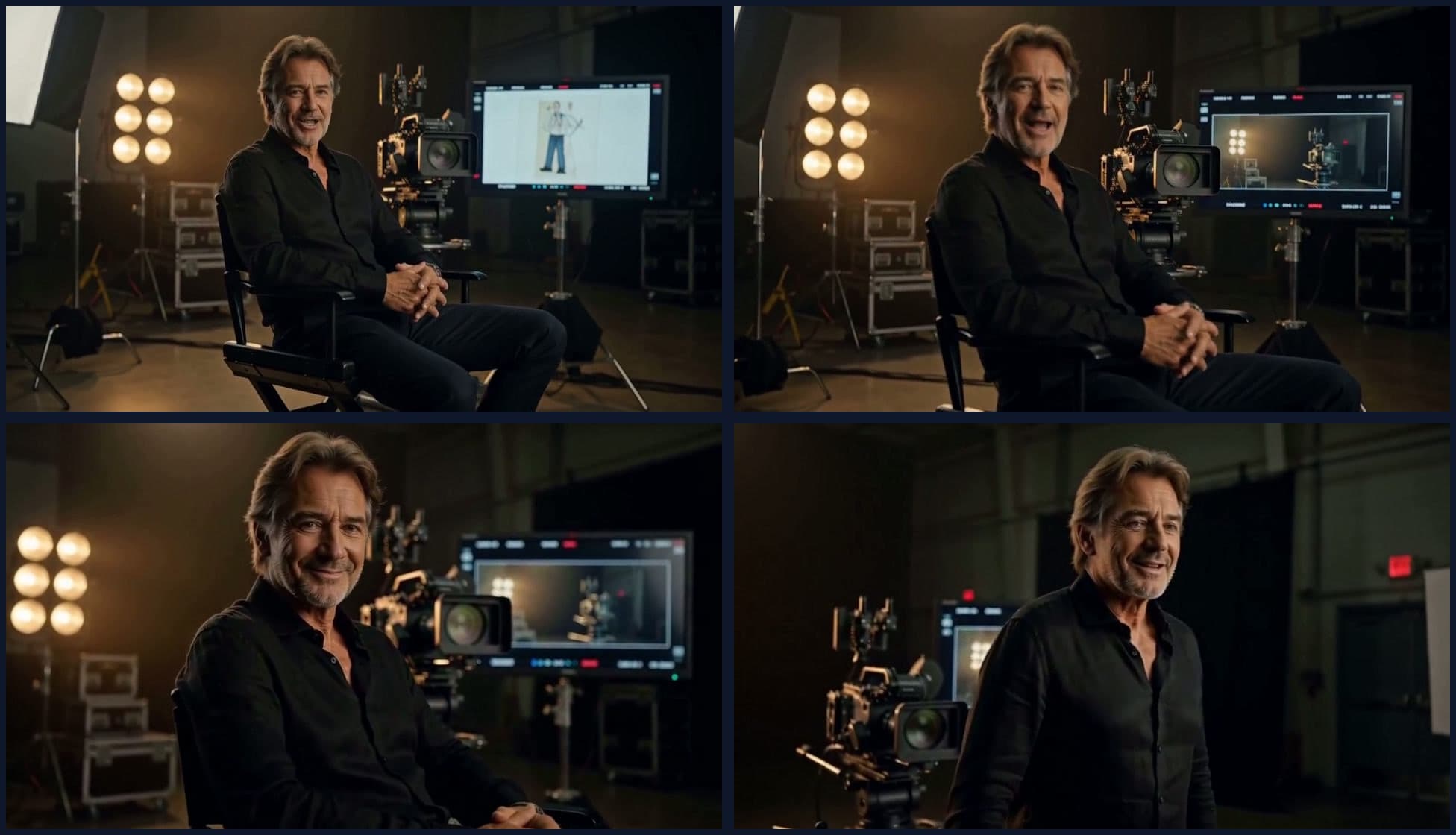
What We Learned Building Long-Form Video with MiniMax H3
A practical MiniMax H3 long-form video guide covering scene assembly, continuity, context handoffs, reference scheduling, native audio, duration control, and quality review.
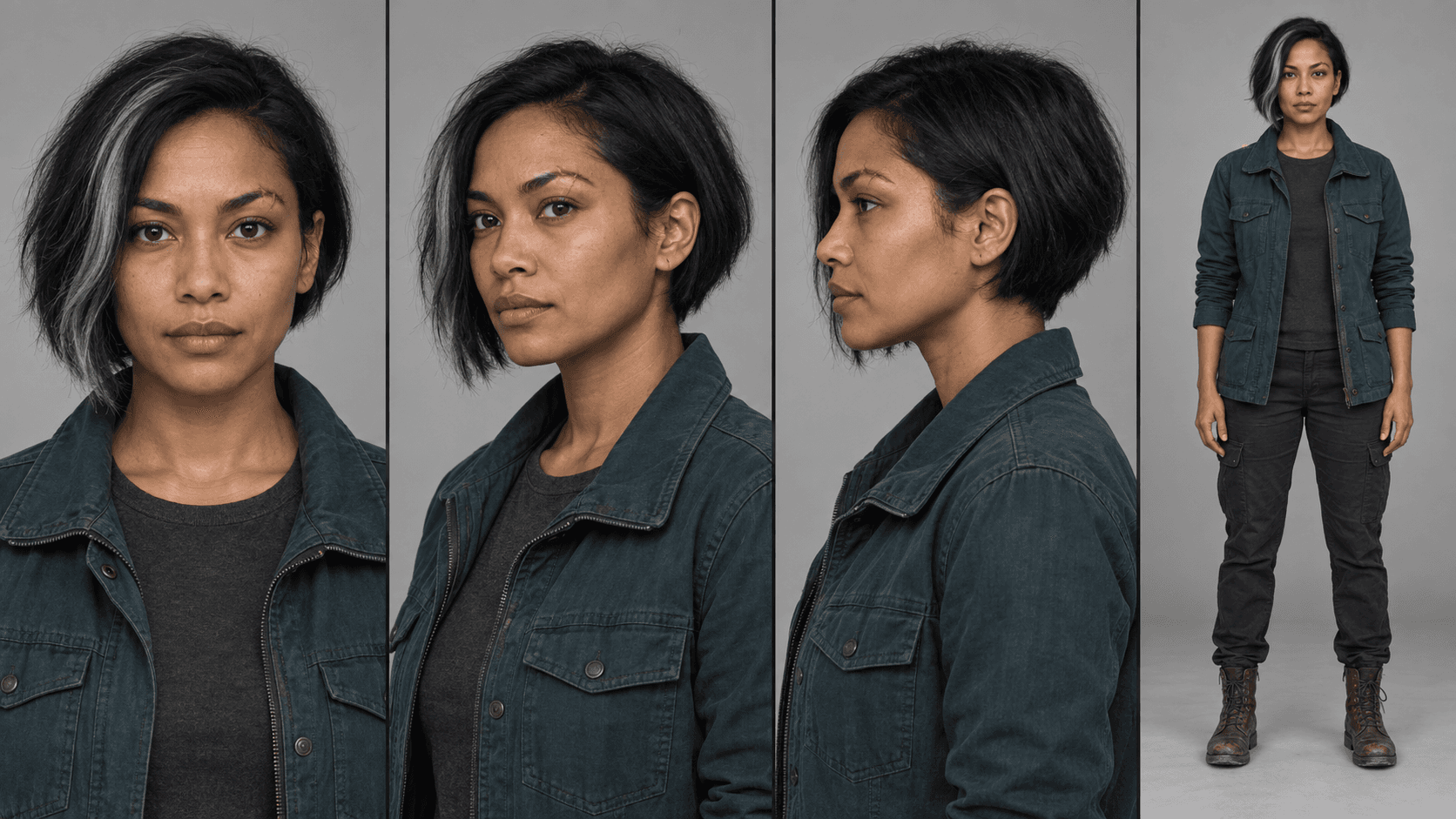
MiniMax H3 Reference Workflows: Character Sheets in Practice
Build MiniMax H3 reference-to-video workflows with concatenated character sheets, composition frames, numbered prompt tags, controlled examples, and practical failure checks.