
Camera Movement in AI Video: Pan, Dolly, Orbit, or Zoom?
How four commonly confused camera instructions differ physically, what viewers see, and how to prompt each movement clearly.
In this article
The short answer
Pan, dolly, orbit, and zoom are not four names for making the subject larger. They describe different camera mechanics, and those mechanics change how a scene feels.
- Pan: rotate from a fixed point to reveal something beside the current frame.
- Dolly: move the camera through space, creating parallax and a stronger sense of depth.
- Orbit: travel around the subject to reveal new sides and background relationships.
- Zoom: change focal length while the camera stays in one place.
AI video models learn these patterns from videos and captions. A prompt requests a movement; it does not set a guaranteed camera trajectory. Clear physical language improves the odds, but the result still needs review.
Start with intent, not terminology
The same scene, four different instructions
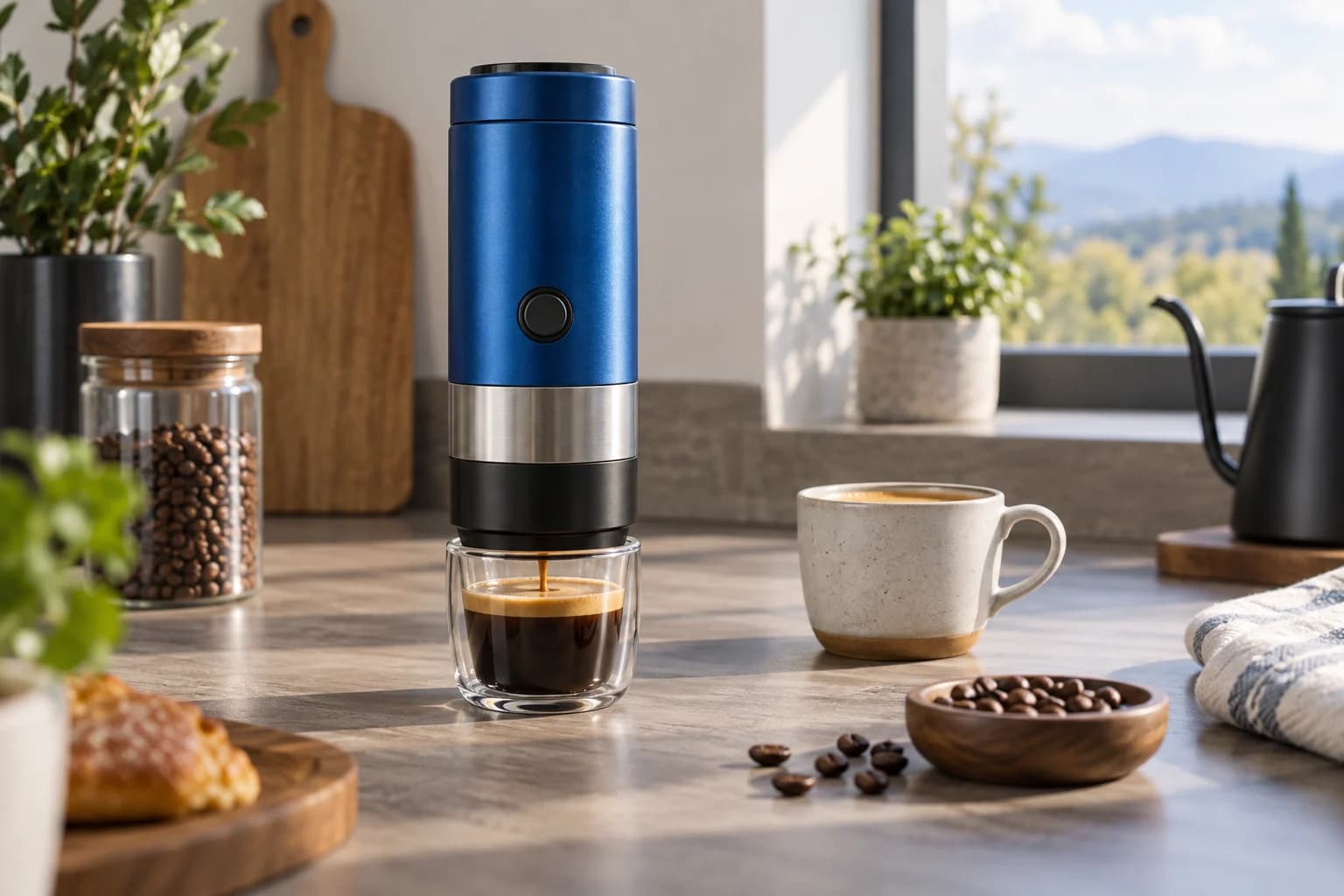
Use the controls below to compare the physical move, its visual consequence, and a compact prompt. The moving image is a framing illustration. It is deliberately not presented as generated-video evidence.
Framing illustrationPan
The camera rotates left or right without changing position.
- What viewers see
- The frame reveals a neighboring part of the scene. Perspective changes very little.
- Best use
- Revealing context, following lateral action, or moving attention between subjects.
The distinction matters because a model can satisfy the word while missing the visual intent. A requested dolly may become a digital crop. An orbit may rotate the product instead of the camera. A pan may slide the whole scene sideways. Describe the mechanism and the visible result.
Pan: turn attention across the scene
In a pan, the camera remains in one position and rotates horizontally. Imagine standing in one place and turning your head from the espresso maker toward the cup. The frame changes, but the camera has not travelled closer, farther away, or around the subject.
Pans work well for reveals and relationships: product to result, speaker to listener, empty space to arriving subject. They are less useful when the goal is to make a flat scene feel deeper because a true pan produces little translational parallax.
Slow pan right from the cobalt espresso maker to the finished cup.
Camera rotates from a fixed position.
Stable speed. No lateral tracking, orbit, dolly, or zoom.
The product remains unchanged as it leaves the left side of frame.
Dolly: move through the scene
A dolly moves the camera itself. During a dolly in, nearby objects shift across the frame faster than distant objects. That relative motion is parallax, and it is one of the strongest visual clues that the camera is travelling through three-dimensional space.
A dolly in can make a product feel more important without changing its pose. A dolly out can reveal context or isolation. It also places greater demands on the model because the changing viewpoint exposes surfaces and spatial relationships that were partly hidden in the source image.
Slow dolly in toward the espresso maker over four seconds.
Camera moves physically forward with natural foreground-to-background parallax.
Keep the product centered and its geometry rigid.
No lens zoom, orbit, camera shake, or sudden acceleration.
Orbit: reveal form from a new angle
An orbit moves the camera along a curved path around the subject. The front, side, and background relationship change together. For a product, this can communicate volume and materials better than a flat push in.
Orbits also carry more reconstruction risk. A single reference image does not show the hidden side of the object. The model must infer it. Keep the arc modest when exact product geometry matters, and provide multiple reference views when the workflow supports them.
Smooth 30-degree clockwise orbit around the espresso maker.
The camera follows a level circular path; the product stays fixed on the counter.
Reveal a small amount of the right side and maintain exact button and steel-band geometry.
No turntable rotation, zoom, or change in product shape.
Zoom: change framing without moving the camera
A zoom changes lens focal length while the camera remains fixed. The subject grows in frame, but near and far objects do not shift past each other as they do during a dolly. This can feel direct, graphic, or observational depending on speed.
Many generated videos use zoom-like enlargement when a prompt asks for a dolly because both make the subject larger. If depth is the point, mention physical forward travel and parallax. If the lens effect is the point, say that the camera position remains fixed.
Slow optical zoom from a medium product shot to a close view of the round button.
Camera position remains fixed; only focal length changes.
Smooth constant speed. No dolly movement, parallax, orbit, or focus breathing.
A camera prompt that is easy to evaluate
A useful camera instruction contains five parts. Keeping them in a predictable order makes failures easier to diagnose.
- Starting frame: name the shot size and the visible subject.
- Physical movement: state what the camera or lens does.
- Direction and extent: left or right, in or out, small arc or large arc.
- End frame: state what should be visible when the move finishes.
- Stability constraints: name the movements and changes that should not occur.
Start: medium three-quarter product shot, full device visible
Move: slow dolly in, camera physically travels forward
Path: straight movement, approximately ten percent closer
End: button and steel band fill the center third of frame
Stability: constant speed, natural parallax, no orbit, no zoom, rigid product geometry
Numbers describe intent, not a calibrated rig. Most prompt-only models will not execute an exact ten-percent path. The end frame and exclusions make the desired result more concrete.
When the model performs a different move
| Observed result | Likely confusion | Next prompt change |
|---|---|---|
| Subject simply enlarges | Dolly became a zoom or crop | Request physical travel and visible parallax |
| Product spins in place | Orbit became turntable rotation | State that the product is fixed and camera moves |
| Entire scene slides sideways | Pan became tracking | Say fixed camera position and horizontal rotation |
| Move accelerates or snaps | Timing was underspecified | Request constant slow speed and one continuous take |
| Product shape changes | Viewpoint exposes unseen geometry | Reduce the move or add reference views |
Change one instruction at a time. If the movement, subject action, lighting, and environment all change in the next attempt, you cannot tell which revision fixed or caused the result.
Choose the smallest movement that serves the shot
- Use a pan when the important information is beside the current frame.
- Use a dolly when depth and growing attention are part of the feeling.
- Use an orbit when shape and changing viewpoint are the point.
- Use a zoom when you want direct lens-driven emphasis without camera travel.
- Use a locked shot when subject motion already carries the scene or exact preservation matters most.
A still camera is not a failure of ambition. Stable framing can make a small product action much easier to read. Add movement because it reveals information or changes emotion, not because every generated clip needs to advertise its generation process.
For a planned sequence, define each camera move as part of the shot list in Movey Director. For more on turning prompt language into reviewable instructions, read Prompts Are Production Specifications.
Frequently asked questions
What is the difference between a dolly in and a zoom in?
A dolly physically moves the camera closer, so foreground and background objects shift relative to one another. A zoom changes focal length from a fixed camera position, enlarging the image without the same parallax. AI models sometimes blur this distinction, which is why the prompt should state both the move and the expected visual effect.
Why did my pan move the entire camera sideways?
The model interpreted pan as a lateral tracking move. Clarify that the camera rotates from a fixed position, name the reveal, and explicitly exclude lateral travel, orbit, and zoom. If exact movement matters, use a model or workflow with camera controls rather than relying only on text.
Should I combine camera movements in one prompt?
Only when the combination is intentional and easy to describe. A slow dolly with a small tilt can work, but every additional movement makes the result harder to control and evaluate. Establish one reliable move before combining it with another.
Which camera move is safest for a product shot?
A locked shot or restrained dolly is usually the safest starting point. Small orbits can reveal form beautifully, but they ask the model to invent unseen sides of the product and therefore carry more geometry risk.
Sources
Official cinematography and model-prompting references used for the movement definitions and guidance.
- Google Cloud Veo prompt guide distinguishes fixed-position pans and zooms from dollies, lateral tracking, cranes, and arc shots.
- Amazon Nova camera-control guide documents camera vocabulary including pan, orbit, and dolly-zoom instructions.
- Runway Gen-4 video prompting guide describes camera motion as a promptable element alongside subject motion and image conditioning.
- Adobe guide to the dolly zoom explains why physical camera travel and lens zoom are separate operations with different perspective effects.
Keep reading
Related articles
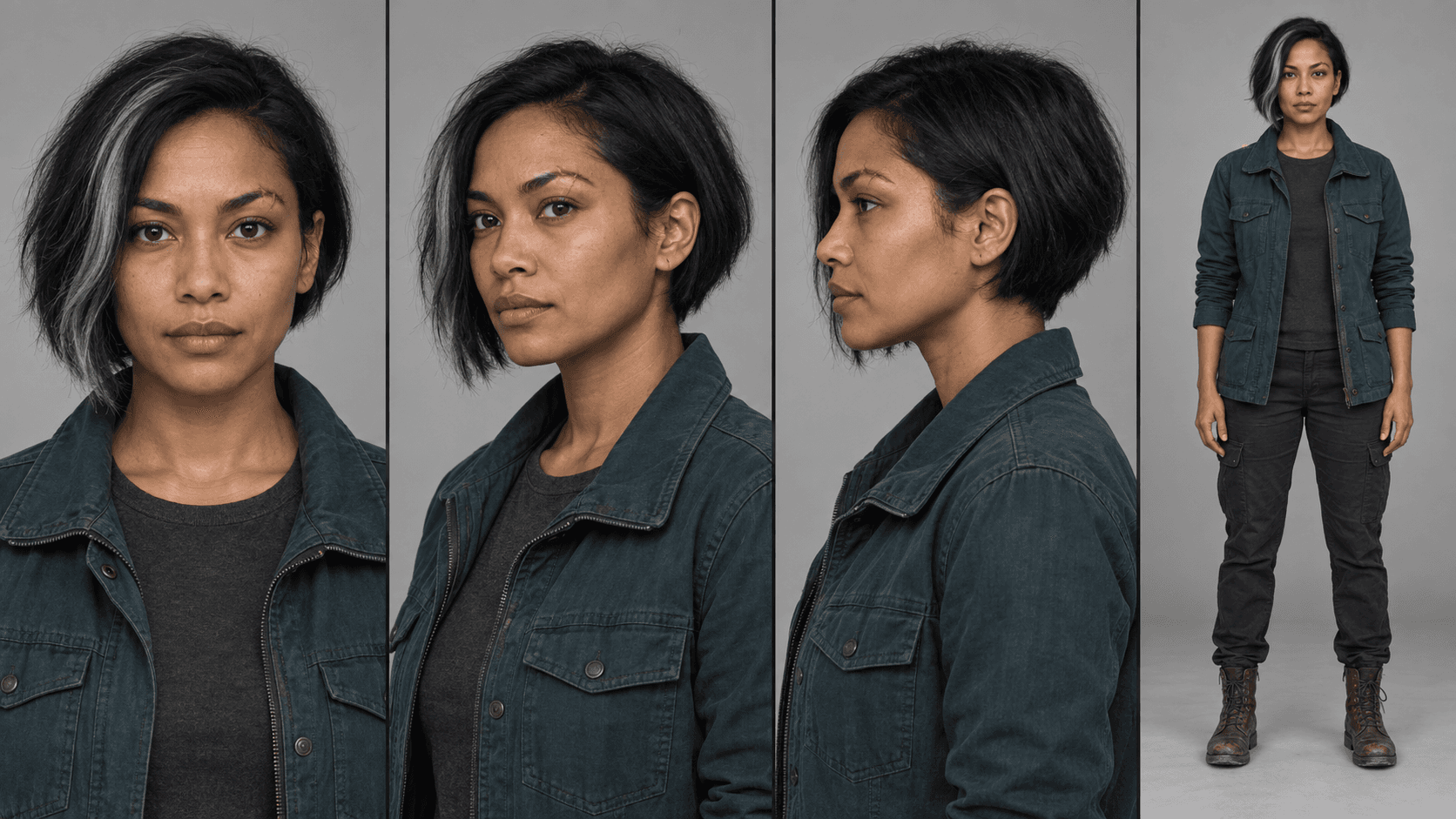
MiniMax H3 Reference Workflows: Character Sheets in Practice
Build MiniMax H3 reference-to-video workflows with concatenated character sheets, composition frames, numbered prompt tags, controlled examples, and practical failure checks.
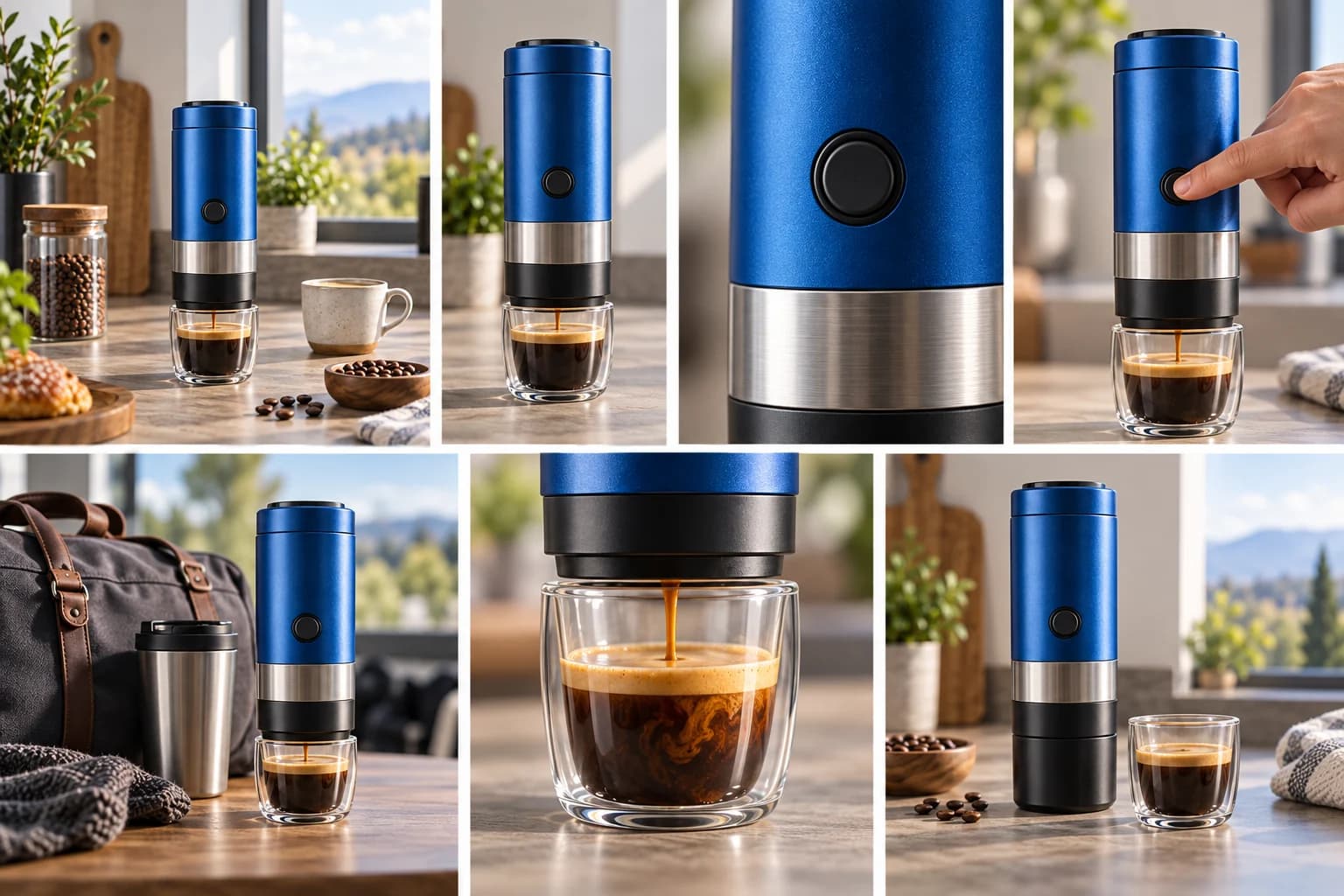
The 7 Shots Every Product Video Needs
Plan a stronger AI product video with seven purposeful shots, example prompts, continuity rules, and a compact production checklist.